10/14
Camera
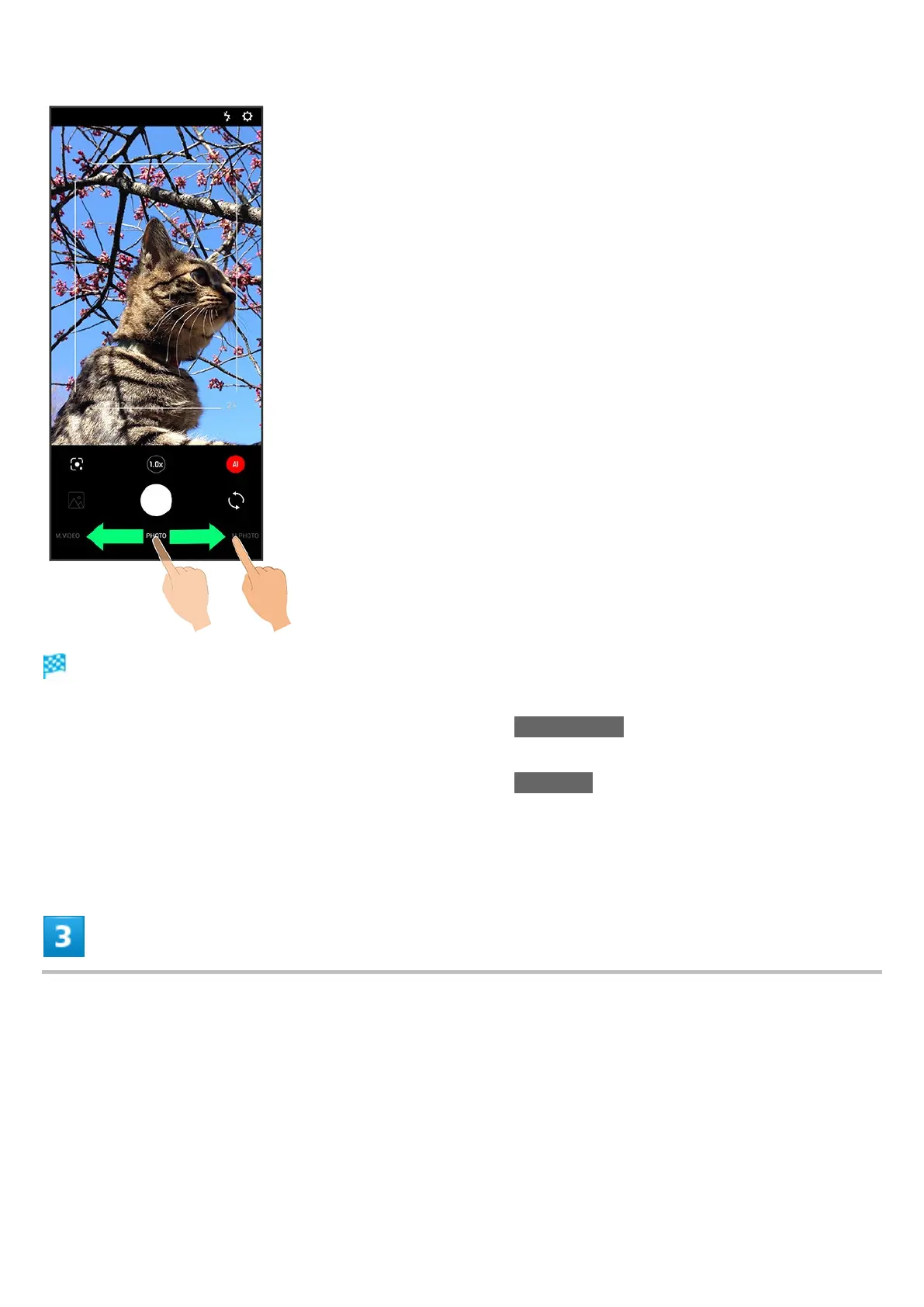
Video Viewfinder appears.
Drag shooting mode at bottom to left/right and select TIME LAPSE to capture video where
passage of time is sped up for a compressed-time video.
Drag shooting mode at bottom to left/right and select M.VIDEO to change the setting manually
before capturing.
See "撮影モードを切り替える" (Japanese) for details on settings, etc. for each shooting mode.
Aim Back Camera at subject



 To Next Page