11/14
Camera
Tap Display Drag brightness adjustment bar left/right to adjust brightness.
Tap subject to focus at location Tapped. Touch & Hold subject for focus lock. To cancel, Tap area
outside the focus mark.
See "Video Viewfinder Layout" for details on operation in Video Viewfinder.
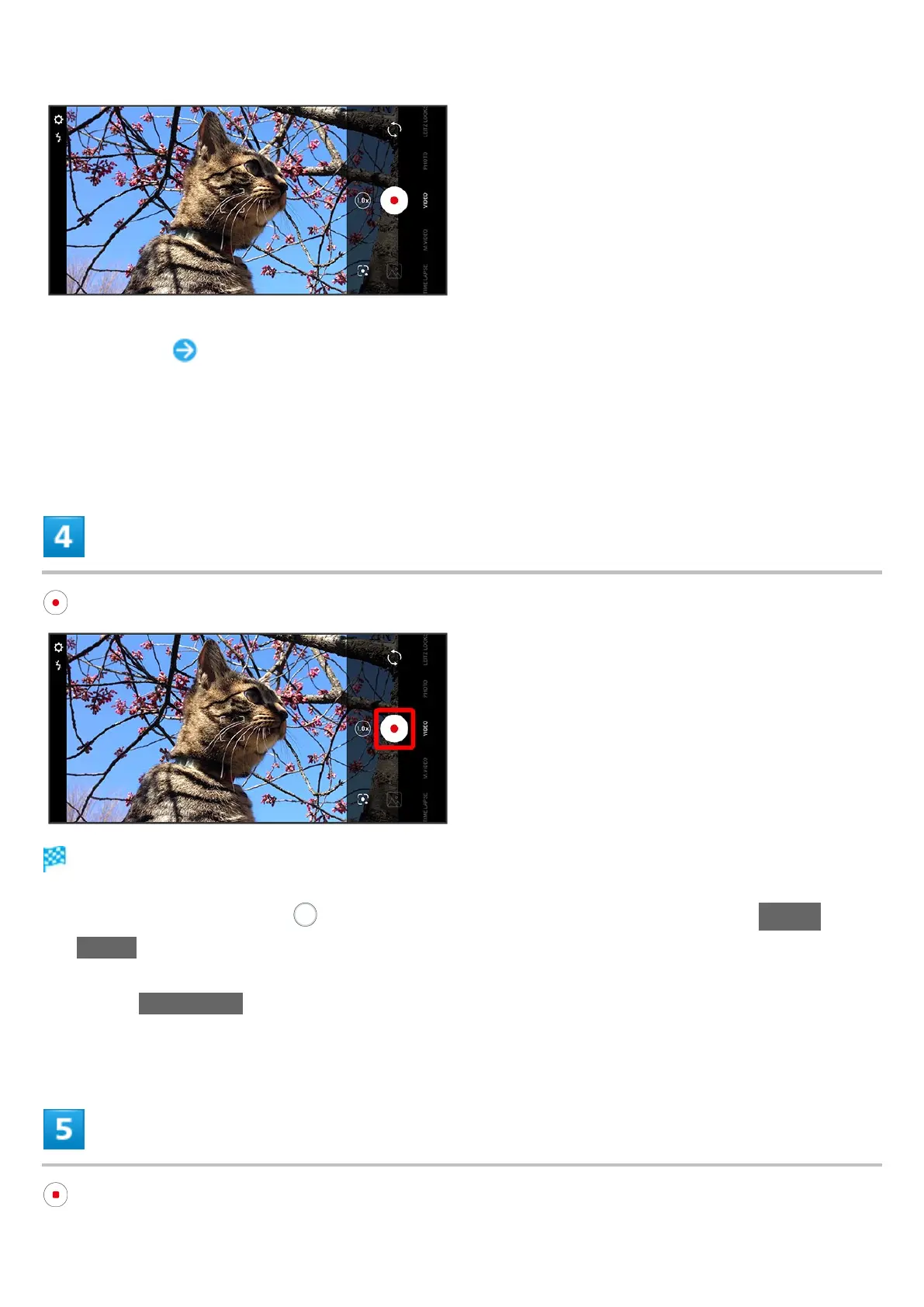
Video recording starts (window while capturing).
During video capture, Tap or Press Volume Up/Down Key to capture a photo. If AI Live
Shutter is enabled during video shooting, the AI identifies smiling faces or the faces of dogs/cats,
decides on the best image composition and automatically takes the shot.
Enable AI Live Story, and AI may create a short movie separately from the captured video. See
"AIライブストーリーが作成したショートムービーを再生する" (Japanese) for details.



 To Next Page