LOADRITE PRO OPERATING MANUAL
11
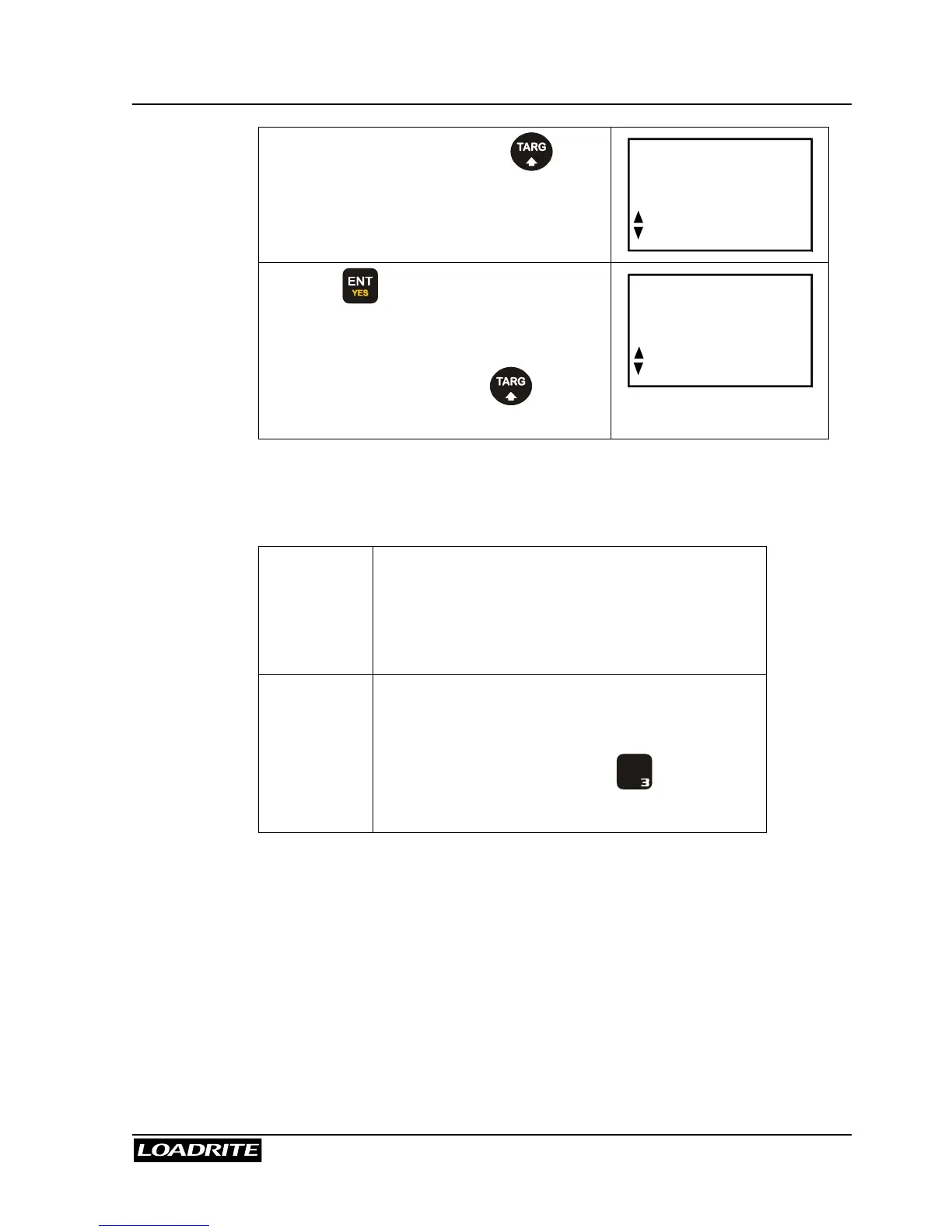
From the Ready screen, press .
Press
5
6
to scroll to the required mode
and then …
Target
Mode?
… press to accept.
Note: if your Loadrite has only one of
Target, Batch or Blend mode, there is no
need to scroll - simply press to
access the required mode.
Batch
Mode?
Short and Long Totals
The Loadrite keeps a total of the bucket weights that you add. For each
product, two independent totals are stored.
Short Total
Typically used to display the total weight lifted
onto a truck.
As you add successive loads, the Loadrite
displays the updated Short Total (sum of the
loads so far) on the Ready screen.
Long Total
Typically used to accumulate the weights lifted
over a longer period, for example a shift or a
day.
To view the Long Total, press
+
L
D E F
.
(See page 19.)
Accurate Weighing
For accurate weighing, make sure that:
• The bucket or forks are fully rolled back for each lift.
• The loader is stationary (for best accuracy).
• The lift arms start well below the trigger point. This ensures that all
acceleration and load bounce has been eliminated well before the
weighing sequence begins.
• The Loadrite is correctly zeroed. (Zeroing is described on page 15).



 To Next Page