LOADRITE PRO OPERATING MANUAL
47
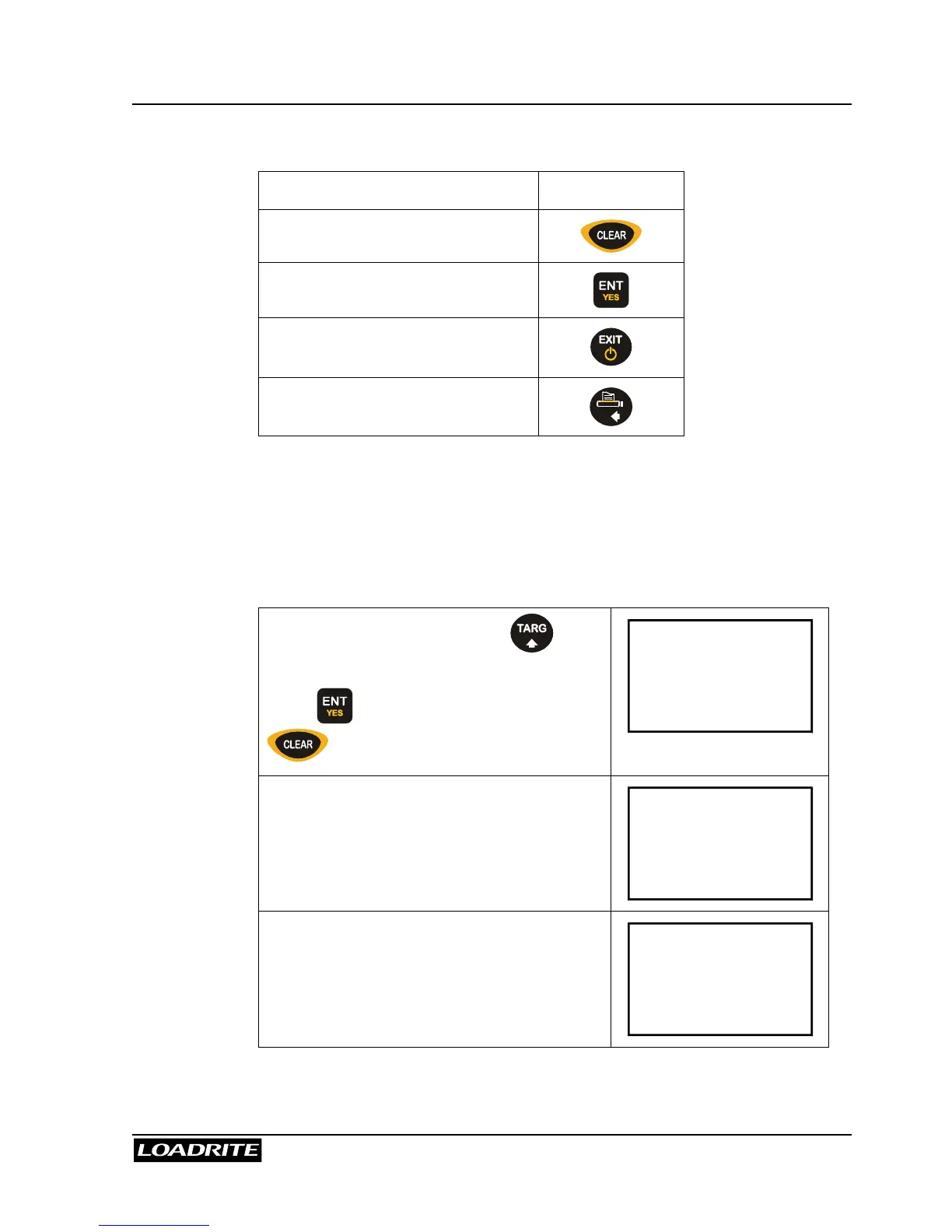
From the Blend screen, the following operations are available.
To … Press …
Change the recipe
Start weighing
Return to the Ready or To Load
screen
Print the current recipe
Viewing and changing the recipe are explained in Batch Mode on page 35.
Remember that the Blend recipe contains the actual number of buckets of
each product rather than a proportion of the whole load.
Blend Weighing
From the Ready screen, press to
access the Blend screen.
Press to accept the recipe (or press
to enter a new recipe).
Recipe
ENT:OK
The Loadrite displays the first product and
how many buckets need to be added.
Blend
Sand
6
Raise the load smoothly past the trigger
point.
The Loadrite beeps and displays the load.
(Weight of load 2200)
Sand
6
2200



 To Next Page