LOADRITE PRO OPERATING MANUAL
36
The Batch Screen
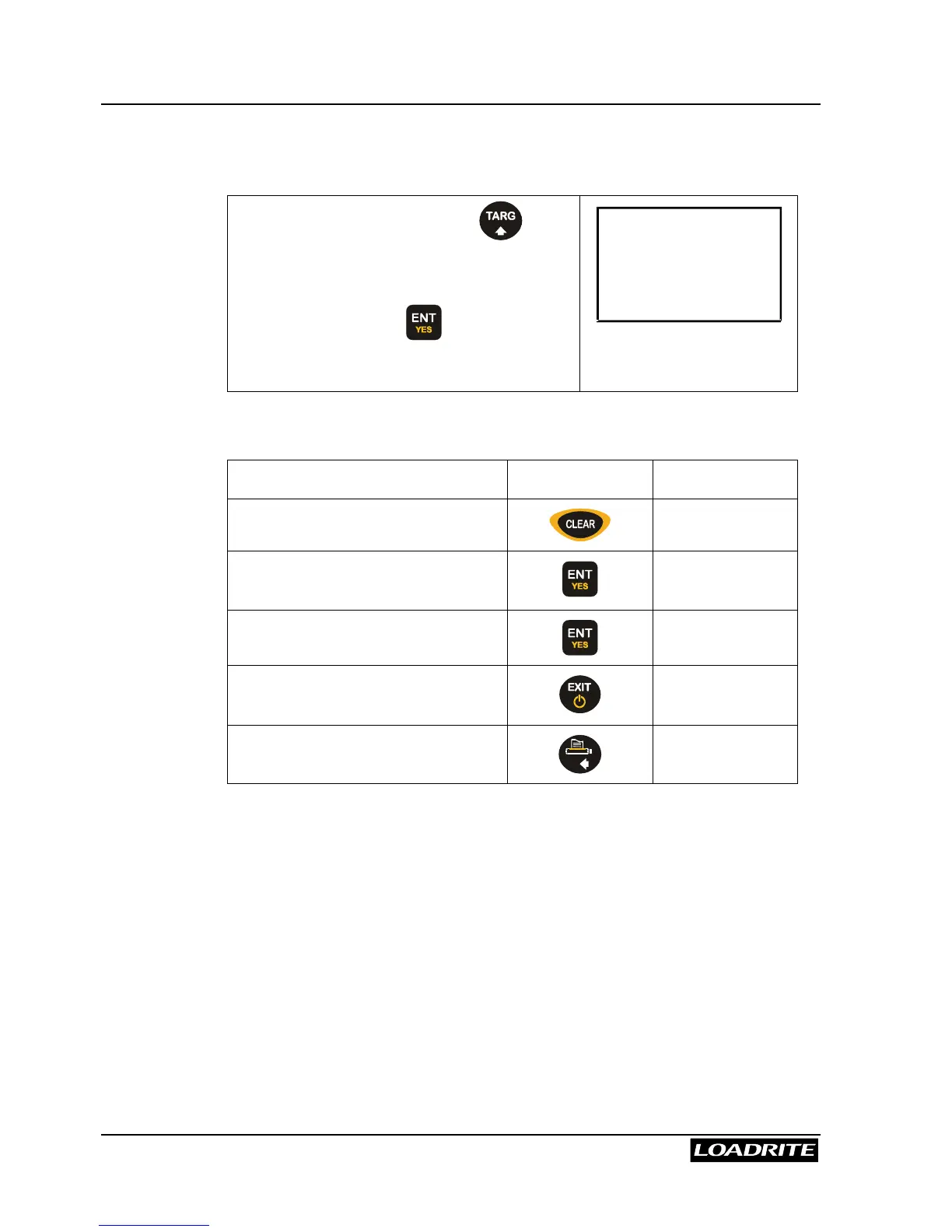
All Batch weighing operations are started from the Batch screen.
From the Ready screen, press .
Note: if Target or Blend modes are also
available, you may need to scroll to Batch
mode and then press to select it.
Recipe
ENT:OK
From the Batch screen, the following operations are available.
To … Press … See page …
Change the recipe.
38
Accept the recipe. Enter the
batch total.
39
Start weighing.
40
Return to the Ready or To Load
screen.
Print the current recipe.



 To Next Page