LOADRITE PRO OPERATING MANUAL
43
The Mix Screen
All mix-weighing operations are started from the Mix screen.
From the Ready screen, press .
Note: if Target or Batch modes are also
available, you may need to scroll to Mix
Mode and press to select it.
Recipe
ENT:OK
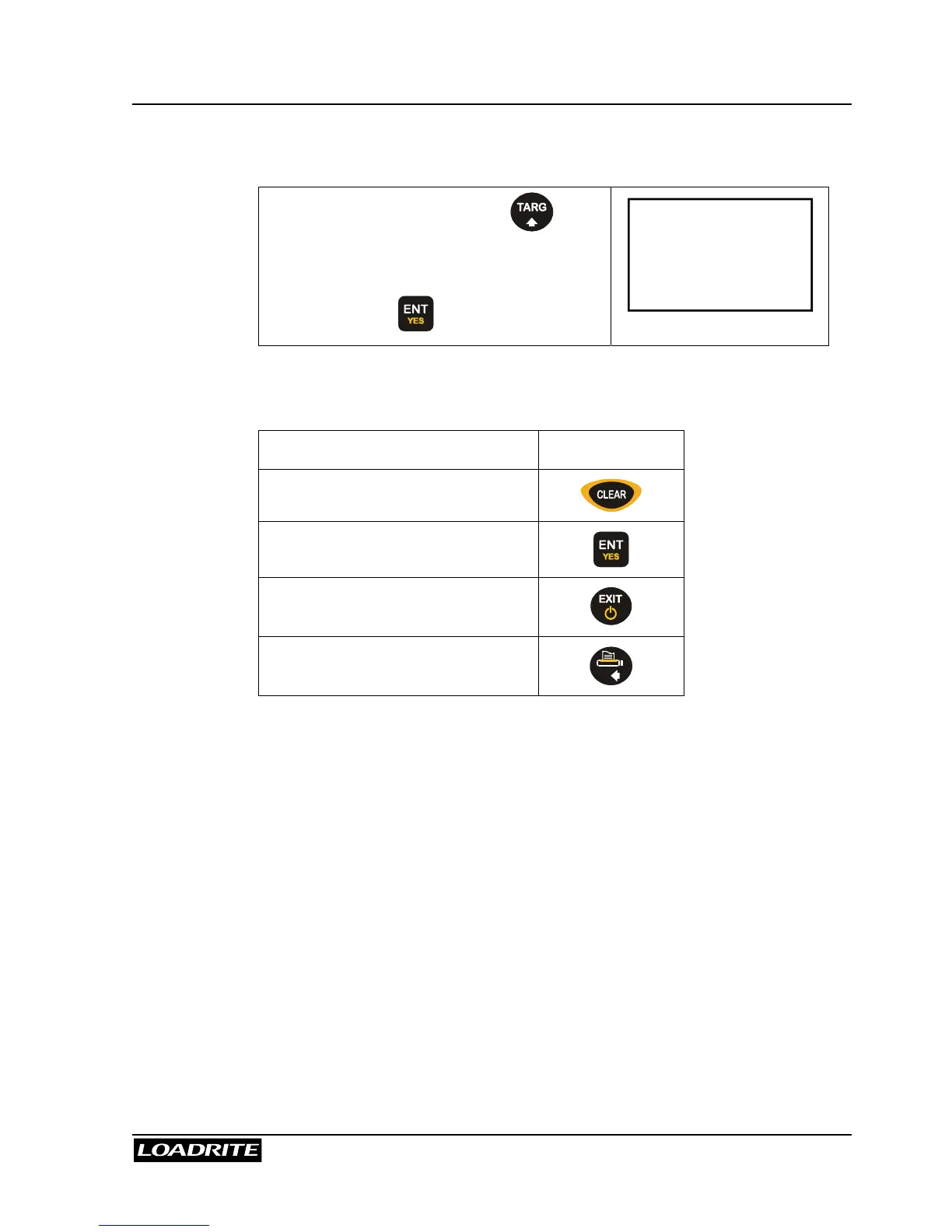
From the Mix screen, the following operations are available.
To … Press …
Change the recipe
Start weighing
Return to the Ready or To Load
screen
Print the current recipe
Viewing and changing the recipe are explained in Batch Mode on page 35.
Mix Weighing
To start a Mix weighing operation, you need to access Mix mode.
During Mix weighing, the Loadrite maintains a "To Load" target for each
product (except the primary product) in the recipe. Each time that you add
a weight, the “To Load” value is reduced by that weight.
You can load the products in any order and switch between products during
weighing.



 To Next Page