LOADRITE PRO OPERATING MANUAL
39
Repeat the procedure of selecting a product and entering the proportion
required until the recipe is complete. Then press to return to the
Batch screen.
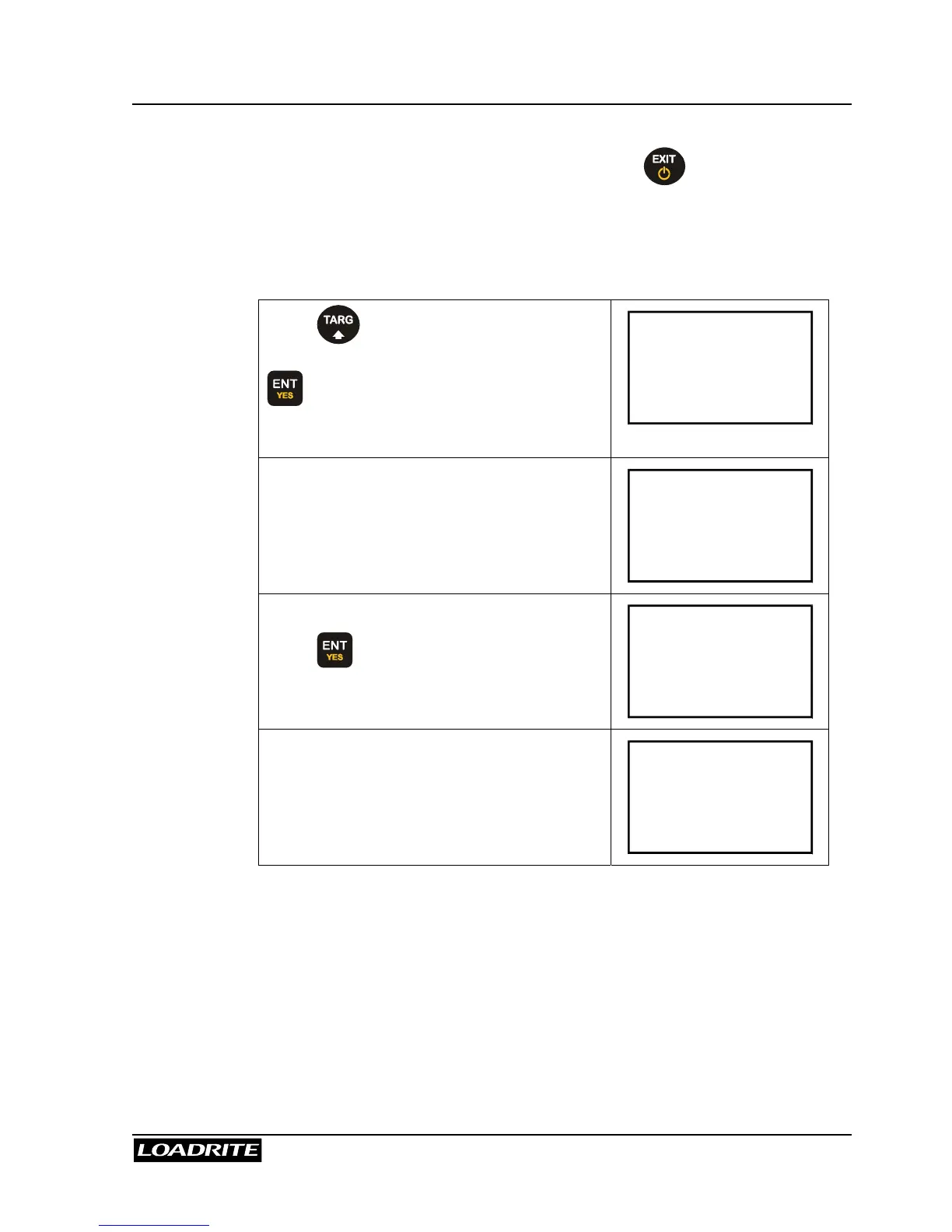
Entering the Batch Total
Press and if necessary, scroll to
display the Batch screen, then press
.
Recipe
ENT:OK
The Loadrite displays the last Batch target
value.
Target?
10000
If necessary, key in a new Target value.
Press to accept.
Target?
7000
The Loadrite beeps and returns to the To
Load screen with the target value for the
first product displayed.
To Load
Sand
4000



 To Next Page