LOADRITE PRO OPERATING MANUAL
49
11 Split Mode
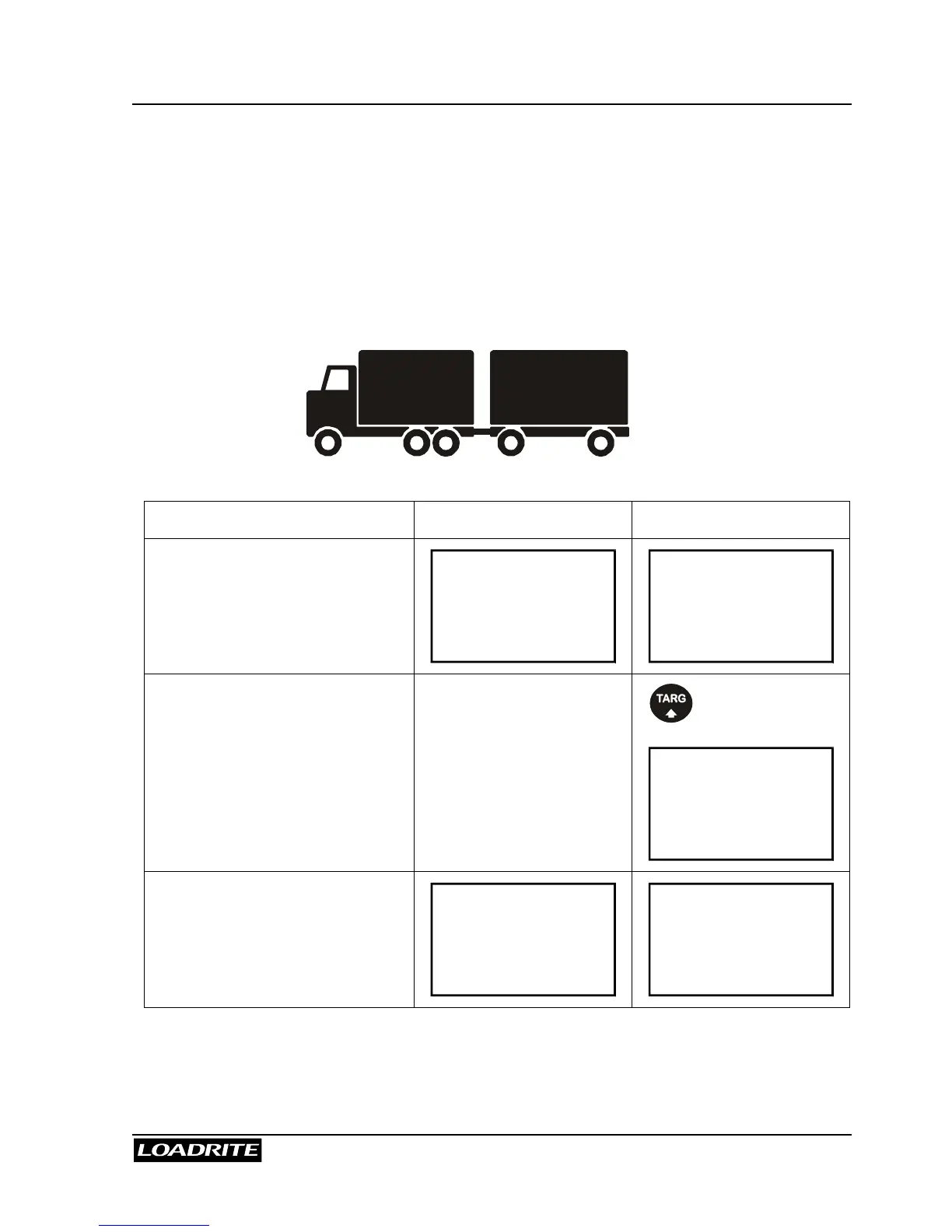
Split Mode is an optional feature that is selected during installation. This
feature provides an easy way to load a truck with a trailer. You can split
the total into multiple sub-totals.
The following example illustrates how to use the split function.
Example: Suppose we are to load a truck with a trailer. The truck can carry 10 000
and the trailer 15 000, the total therefore being 25 000.
(Weights shown are examples only)
EXAMPLE TOTAL MODE TARGET MODE
At start:
Current weight = 0
Weight needed = 10 000
Ready
Sand
0
Ready
Sand
0
To load 10 000 into the truck…
Target = 10 000
To Load
Sand
10000
Add # 1: 5 000:
Ready
Sand
5000
To Load
Sand
5000
15 00010 000



 To Next Page