LOADRITE PRO OPERATING MANUAL
46
10 Blend Mode
Blend mode is similar to Batch mode except that the recipe contains the
total number of buckets of each product and you do not enter a target load.
When weighing, the Loadrite tracks the number of lifts of each product and
automatically changes to the next product when the required number of
buckets has been loaded.
Example
Suppose that a recipe of three products has been entered as follows:
Product Buckets
Sand 6
Gravel 10
Pumice 10
During weighing, the Loadrite guides the operator through the process that
will result in a total load of 26 buckets.
The Blend Screen
All blend-weighing operations are started from the Blend screen.
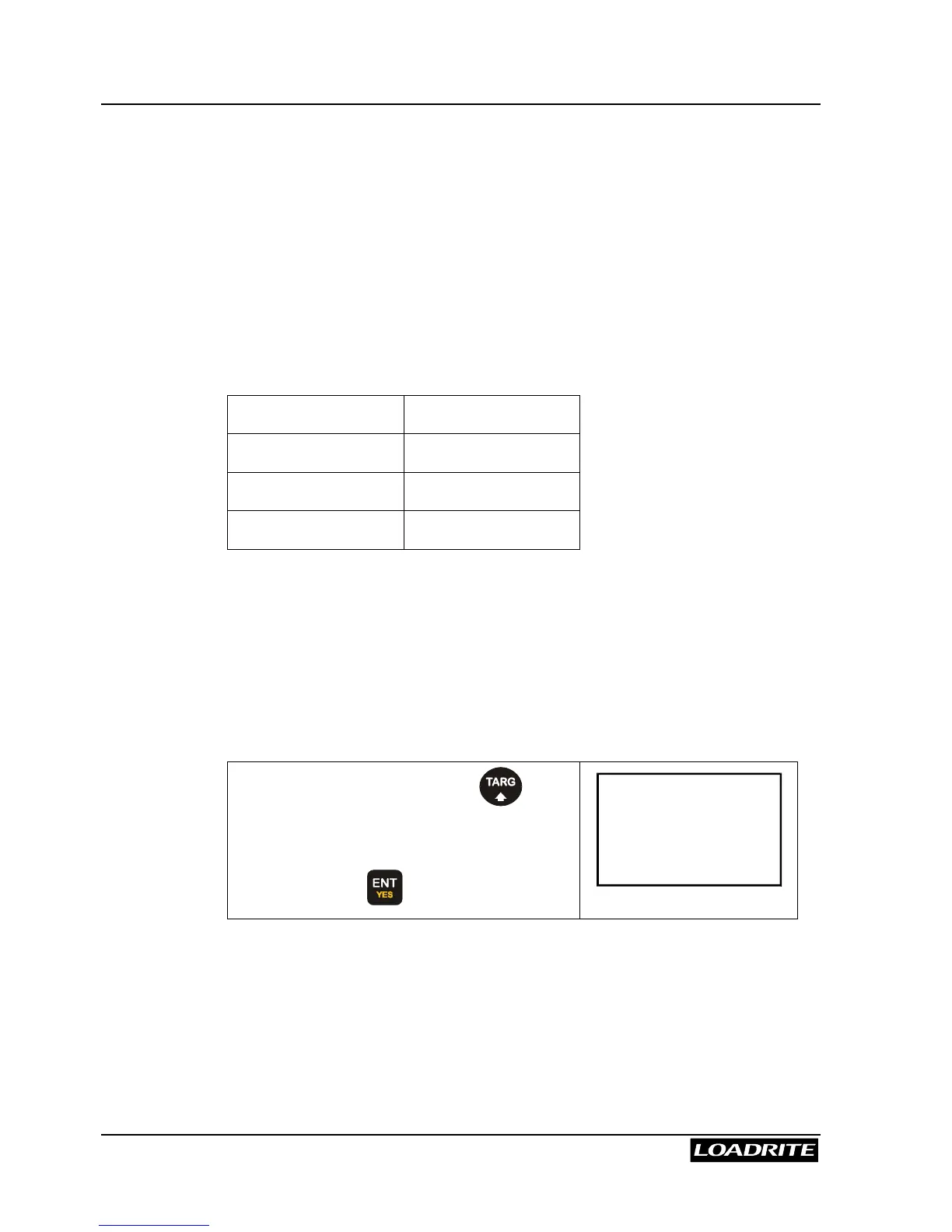
From the Ready screen, press .
Note: if Target or Batch modes are also
available, you may need to scroll to Blend
Mode and press to select it.
Recipe
ENT:OK



 To Next Page