LOADRITE PRO OPERATING MANUAL
32
7 Target Mode
Target mode is an optional feature that is selected during installation. This
feature provides an easy way to load up to a target weight for a product in a
series of lifts. In Target mode, the Loadrite displays the “To Load” value,
which is the remaining amount to reach the target.
Before loading, the operator enters a target weight. Each time you add a
weight, the “To Load” value is reduced by that weight.
Target mode is used typically when loading a truck to its optimum payload.
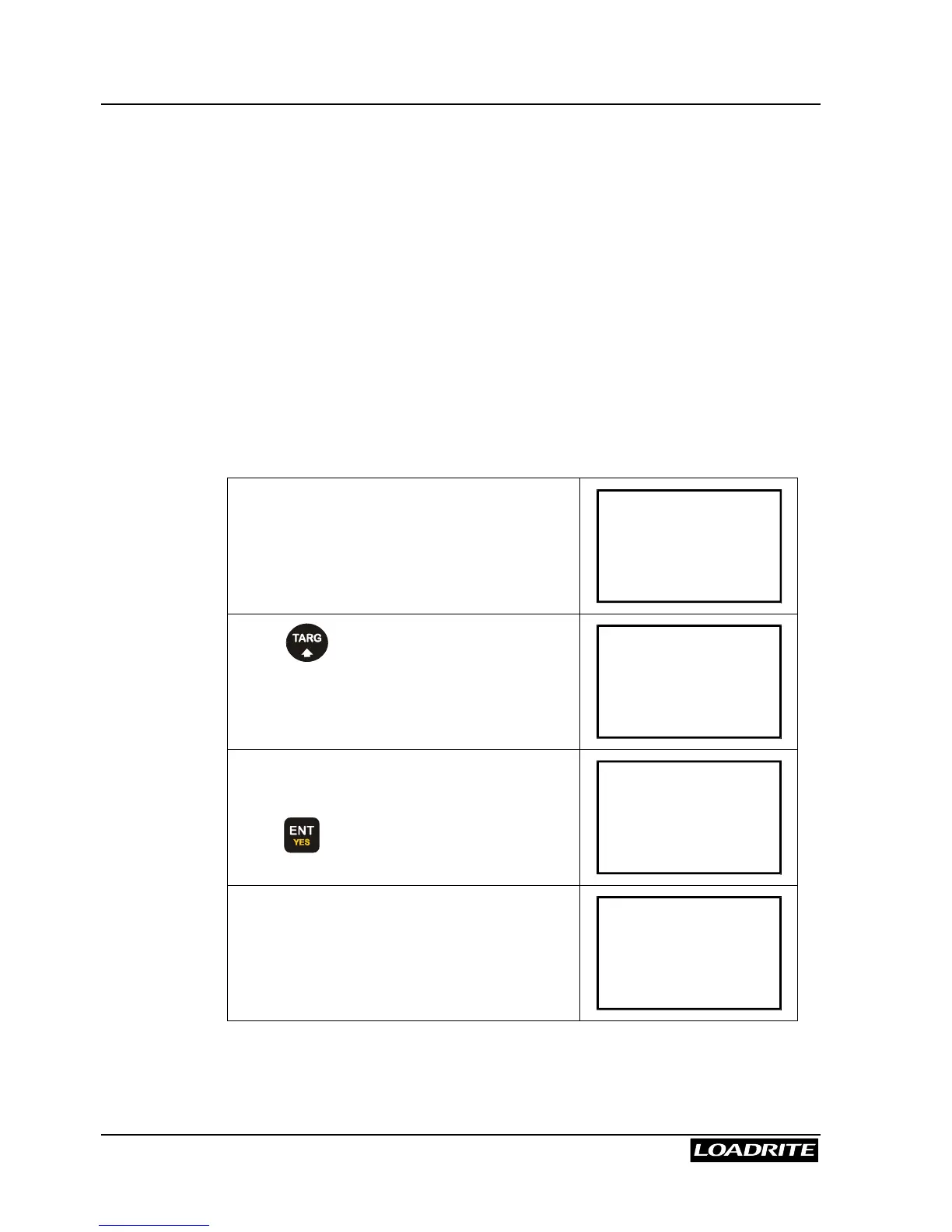
To enter Target mode (and enter a new target)
You can also change the current target when entering target mode. This is
explained below.
(Weights shown are examples only)
First clear the previous total.
(Clearing Totals is described on page 19.)
The Loadrite is in Total mode at this point.
Ready
Sand
0
Press .
The Loadrite displays the last target value
used.
Target?
8500
Suppose the new target is 9000.
Use the numeric keys to enter 9000, and
press
to accept it.
Target?
9000
The Loadrite displays Target Updated
for a few seconds and then returns to the
To Load screen. You are now in Target
mode.
To Load
Sand
9000



 To Next Page