LOADRITE PRO OPERATING MANUAL
31
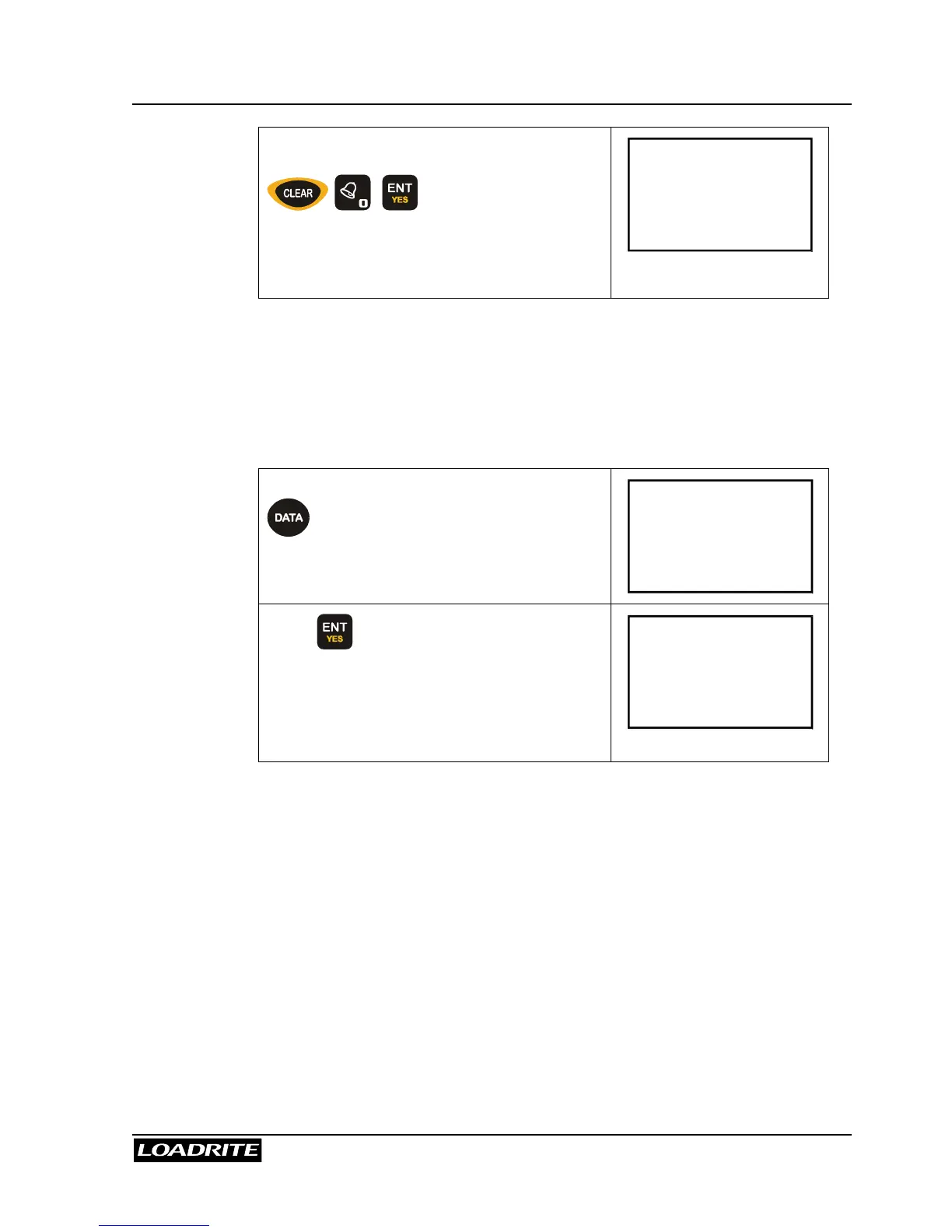
Press CLEAR key and then enter 0.
Loadrite will then display a message to
confirm that the Data Suspend has been
activated.
Customer
0
During the suspension period, the Loadrite will:
exclude all data fields in printing, if printer is enabled
override all data fields to 0 in data logging, if MMS data logger feature is
enabled.
To resume data (turn off suspend mode)
When the Loadrite is in Ready mode, press
. The Loadrite displays the last
setting.
Customer
Joe
Press to accept it. Or, enter a new
name, if desired.
Loadrite will then display a message to
confirm that the Data Suspend has been
de-activated.
Customer
Joe
As soon as the Data Suspend function is de-activated, the Loadrite will
resume normal operation.



 To Next Page