LOADRITE PRO OPERATING MANUAL
40
Batch Weighing
To start a Batch weighing operation, you need to access Batch mode and
enter or accept the batch total. See Entering the Batch Total above.
During Batch weighing, the Loadrite maintains a "To Load" target for each
product in the recipe. Each time that you add a weight, the “To Load” value
is reduced by that weight.
You can load the products in any order and switch between products during
weighing.
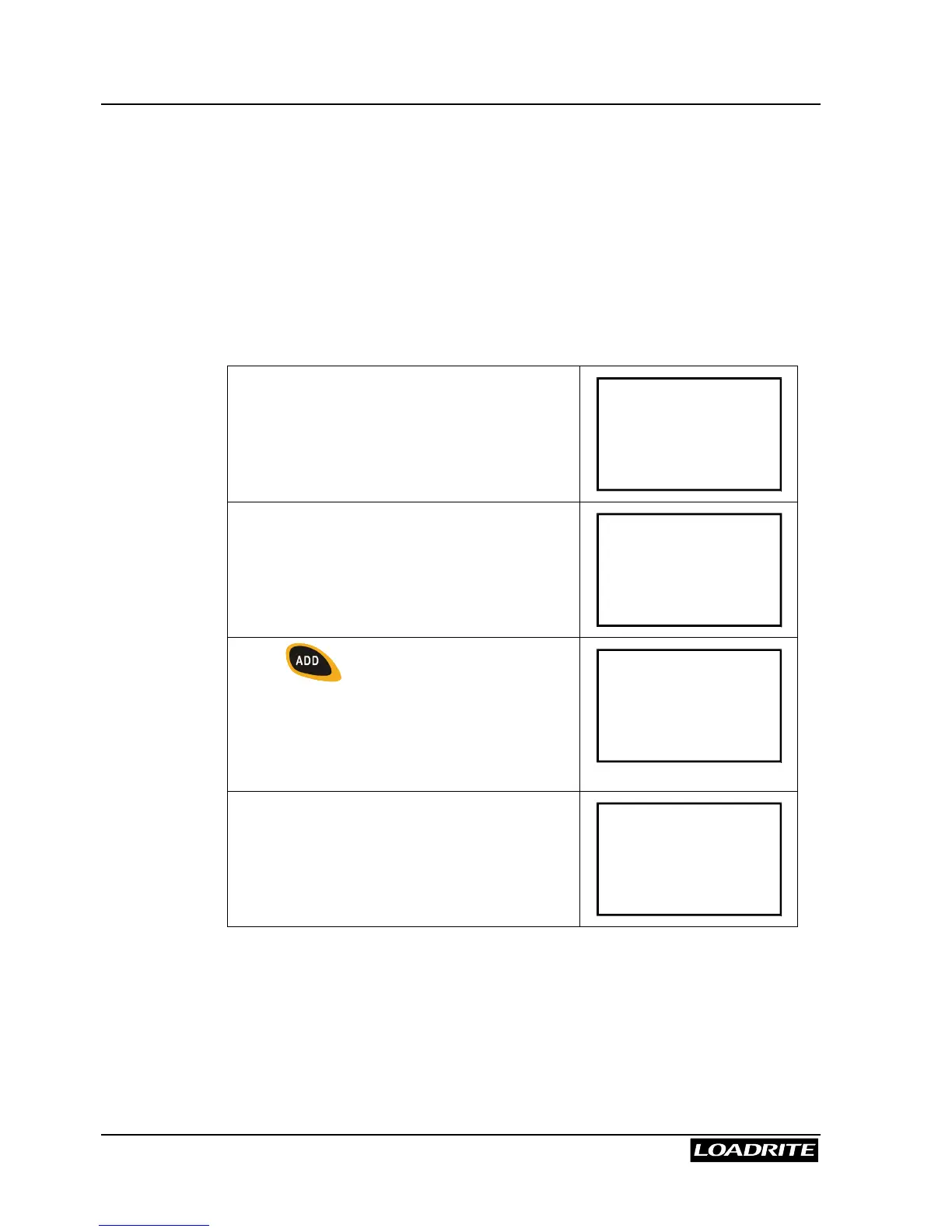
The Loadrite displays the To Load screen
with the target value for the first product.
To Load
Sand
4000
Raise the load smoothly past the trigger
point.
The Loadrite beeps and displays the load.
(Weight of load 2200)
Sand
4000
2200
Press .
The Loadrite briefly displays the number of
buckets loaded for this product and then …
Bucket 1
Added
2200
… updates the total and returns to the
To Load screen.
(Target now 1800)
To Load
Sand
1800



 To Next Page