LOADRITE PRO OPERATING MANUAL
35
8 Batch Mode
Batch mode allows you to weigh and load products according to a
predefined recipe. You enter the target weight of the batch, the Loadrite will
work out exactly what you need for each product.
The recipe can contain up to ten products. It specifies the relative amount of
each product in a batch.
When in Batch mode, the Loadrite displays the To Load value for each
product as you weigh them.
Example
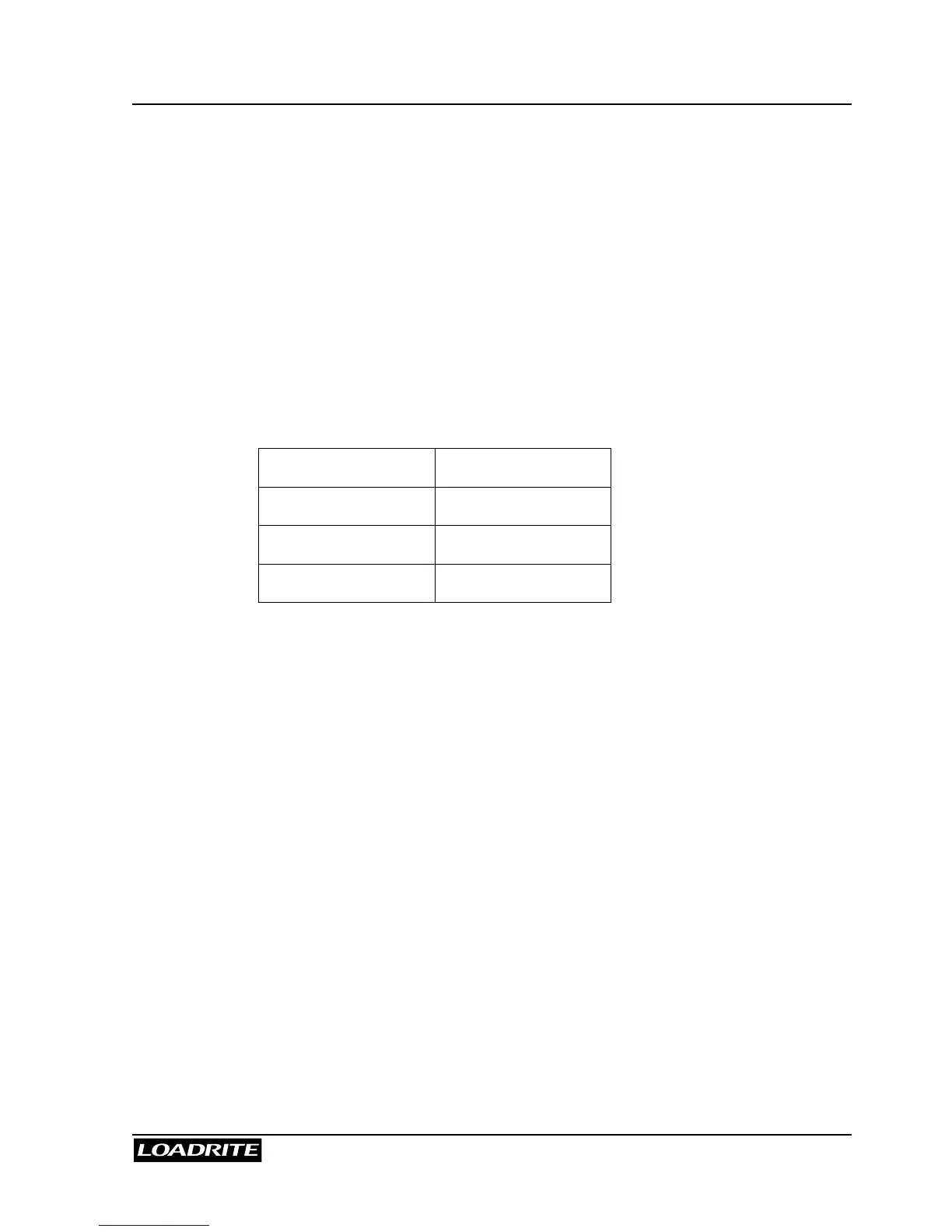
Suppose that a recipe of three products has been entered as follows:
Product Proportion
Sand 4
Gravel 2
Pumice 1
When loading the three products, you specify the total load required. An
example might be 7000kg. The Loadrite automatically calculates the
amount of each product required, which in this case would be:
Sand 4000kg
Gravel 2000kg
Pumice 1000kg
As you weigh and load the products, the Loadrite maintains the To Load
amount for each product in a similar way to target mode. You can change
from one product to another at any time during weighing in order to mix the
products.



 To Next Page