LOADRITE PRO OPERATING MANUAL
78
Appendix i Time and Date
The Loadrite has an internal clock that can be used for inserting the time
and date into printed data.
You can display the time and date by pressing the
A B C
key.
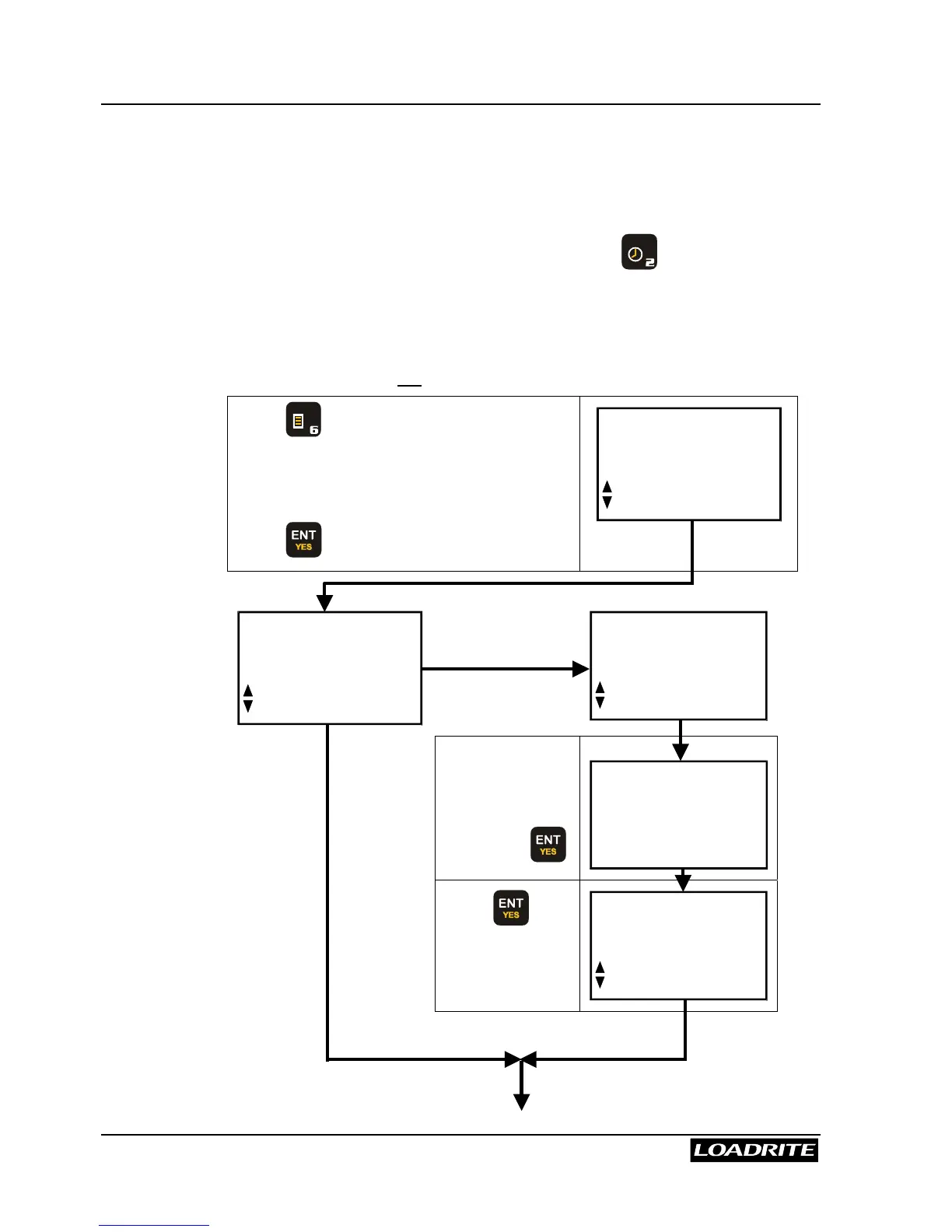
To set the time and date:
You may need an access code from your Loadrite Dealer to be able to set
the clock. This is configured at installation time. A code is needed if the
“Clock” function does not appear on the menu.
Press
M N O
.
Use
56
to scroll through to Clock. If
not available, scroll to Setup.
Press .
Menu
Setup...
Menu
Clock
NO
Menu
Setup...
YES
Enter the
Access code
supplied by your
Loadrite Dealer,
then press .
Access
Code?
Press to
select the clock
setting function.
Setup
Clock



 To Next Page