LOADRITE PRO OPERATING MANUAL
79
The Loadrite displays the first of the time /
date screens.
You can use
56
to scroll through the
time/ date screens. When on the required
screen, press to change the setting.
Time
11:31
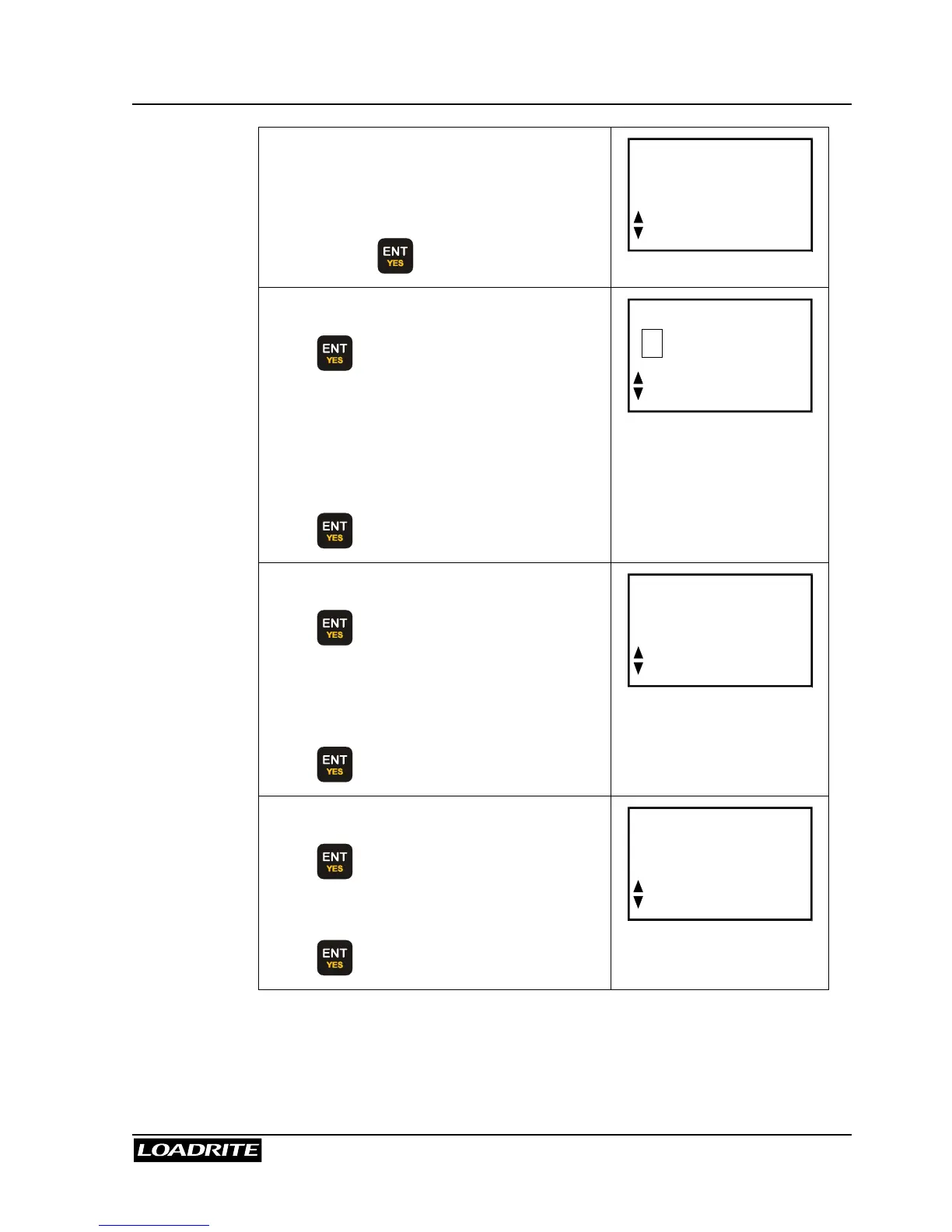
Time of day screen:
Press to allow editing, a flashing
cursor will appear.
Use the number keys to change time.
Use the
56
to change AM/PM setting if
available.
Press to confirm the new time.
Time
1
1:31
Day and month screen:
Press to allow editing.
Use the number keys to enter the month
and day. (Enter 00 for October, 01 for
November, and 02 for December).
Press
to confirm the new date.
Date
Oct 18
Year screen:
Press to allow editing.
Use the number keys to enter the year.
Press
to confirm the new year.
Clock
Year
02



 To Next Page