LOADRITE PRO OPERATING MANUAL
38
Changing the Recipe
Except for the very first time that a recipe is entered, the current recipe must
be cleared before you can enter a new one.
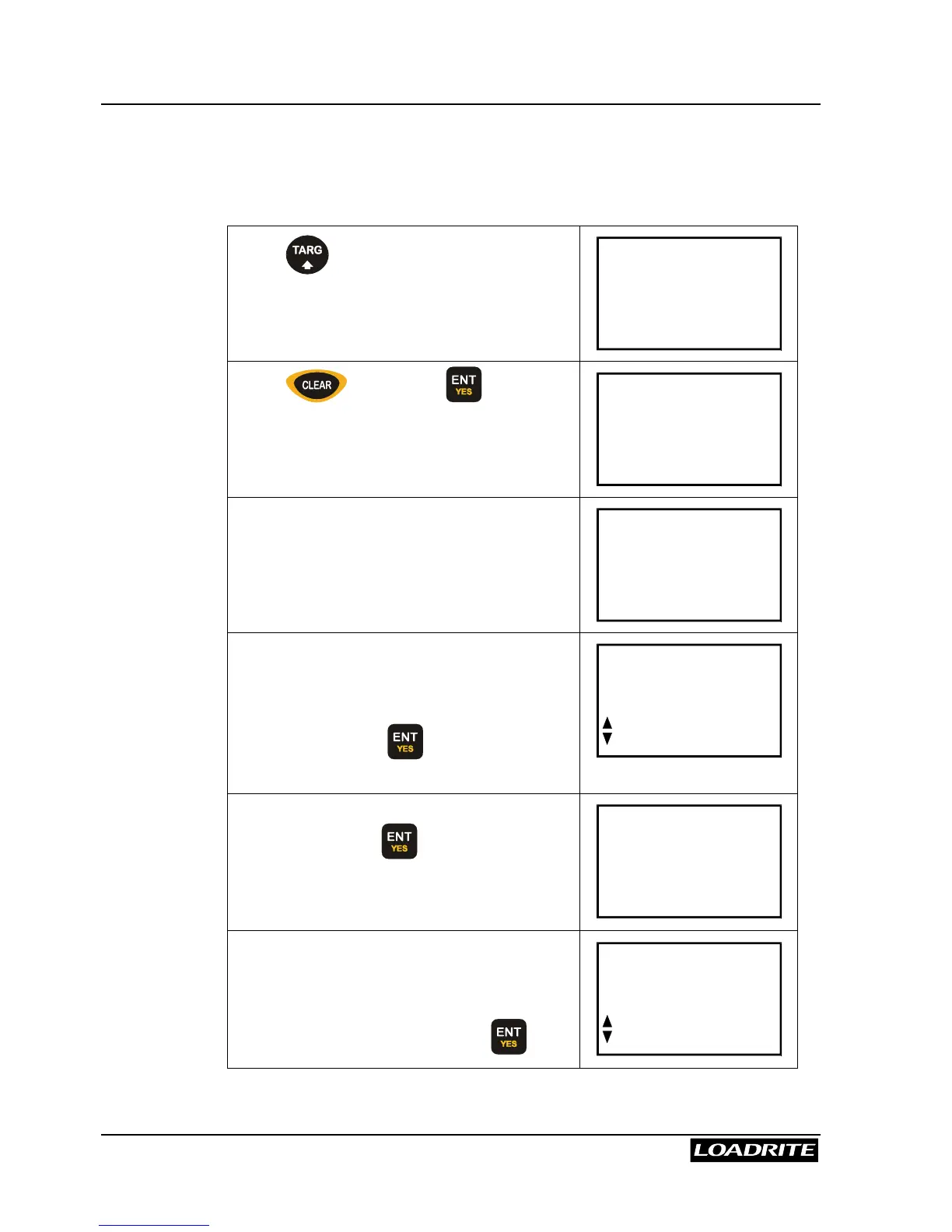
Press and if necessary, scroll to
display the Batch screen.
Recipe
ENT:OK
Press followed by to confirm.
Recipe
Clear?
The Loadrite briefly displays Recipe
Empty and then….
Recipe
Empty
… displays the screen where you select
the products to make up the recipe
Use
5
6
keys, or key in a product
number, and press to select the first
product.
Prod#?
Sand
Key in the required proportion of this
product and press .
In this example, 4 units of product 3 (sand)
have been keyed in.
Sand
4.0
The Loadrite automatically moves on to the
next product number in sequence.
If this is not the next product required,
select the correct one and press .
Prod#?
Gravel



 To Next Page