LOADRITE PRO OPERATING MANUAL
25
6 Data
If this feature is enabled, the Loadrite allows you to enter five data fields (up
to eight characters) that provide additional information to the weight data.
Each field has a label to identify it and can be configured as a specific data
type (e.g. alphanumeric, numeric or auto-increment). The specific labels
and data type for your Loadrite are set up at installation time.
Typical labels might be, for example:
Customer for Data 1
Docket for Data 2
Truck for Data 3
If you have the appropriate equipment installed, this information can be
stored in the LD940 MMS data logger and/or printed with the weight data.
Data Edit
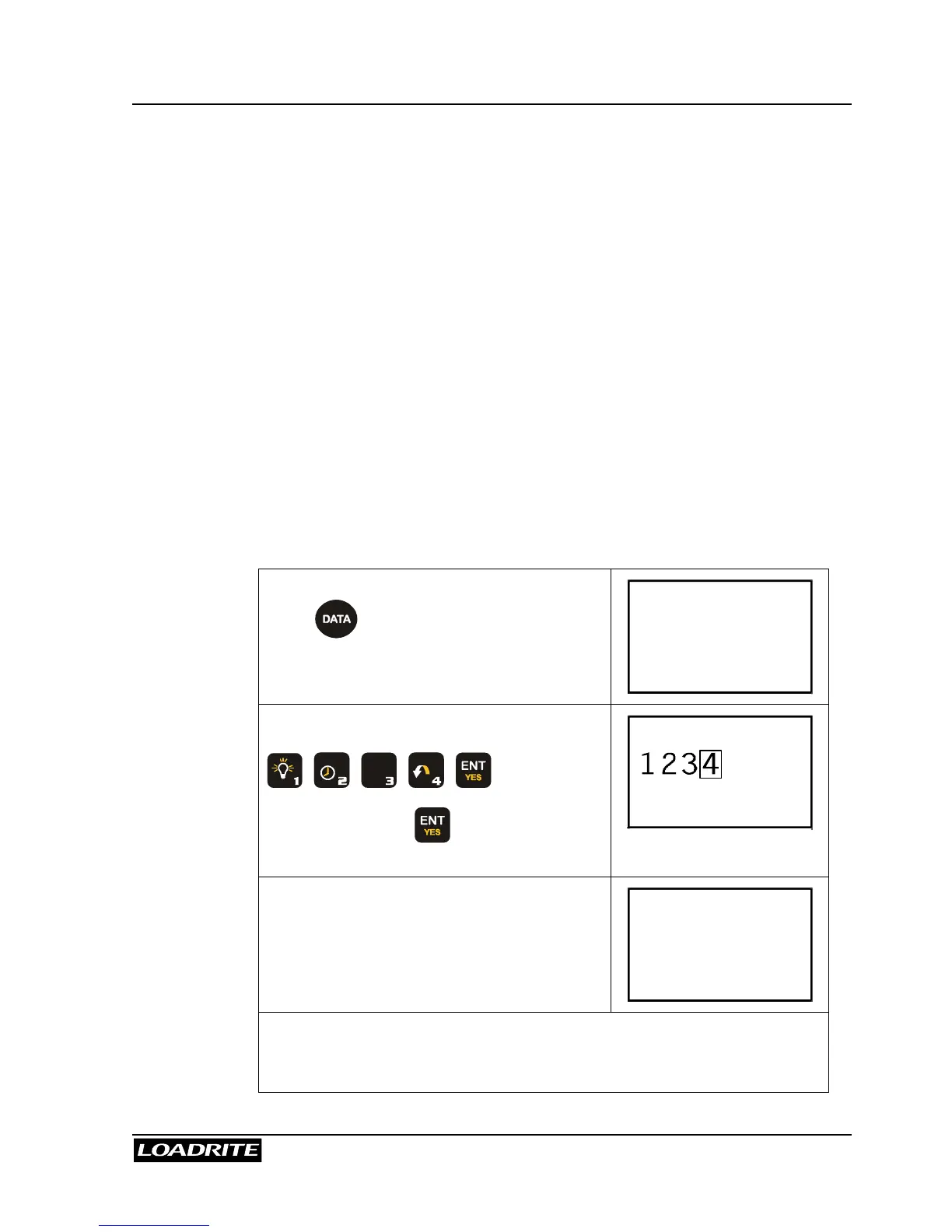
Before loading a truck, for example, you can enter the data as follows.
In Ready mode,
press . The Loadrite displays the first
field and prompts you to enter a value.
Customer
0
Suppose the customer is 1234
A B C
+
L
D E F
G H I
Note that pressing means accepting
the displayed value for the data field.
Customer
The Loadrite automatically displays the
next data field and prompts you to enter a
value.
Docket
0
Loadrite will automatically return to the
Ready screen, as soon as all data fields
have been accepted.



 To Next Page