LOADRITE PRO OPERATING MANUAL
56
13 Menu Options
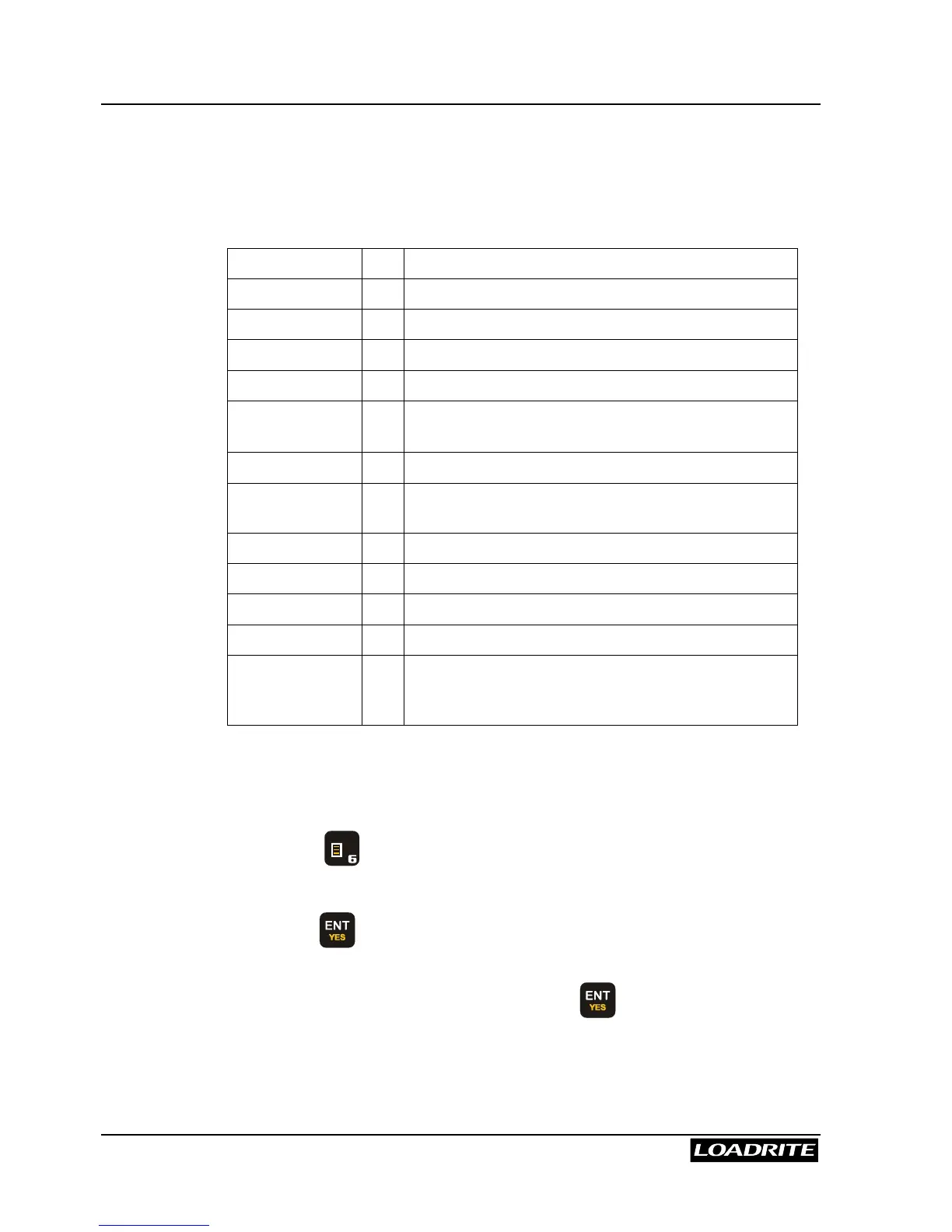
The Menu allows you to change some of the settings of the Loadrite.
The options are as follows:
Setup...
Installation functions (security code required)
Clock
Clock setting
Scale #
Change scale
Clear All
Clear all long totals
Auto Add
Auto add setting
Trigger
Screen
Rotary trigger position screen
Module
LD940 Module properties
Data Edit
Edit data settings. Useful for overriding auto-
increment number
Data List
Edit Data1 (Customer) list
Alarm
Turn alarm on or off
Alarm Time
Set alarm time
Selftest
Self test
Uplink
Sets up the Loadrite to communicate with PC-
based “Loadrite Link” application to receive new
configuration
Depending upon the configuration during installation, some options may
not be available.
To access an item on the menu:
1. Press
M N O
.
2. Use
5
6
to scroll to the required option.
3. Press to select the option.
When you have finished with an option, the Loadrite returns to the main
menu. To return to the Ready screen, press .



 To Next Page