LOADRITE PRO OPERATING MANUAL
64
Printed Data
When a Loadrite printer is connected, weight data can be printed as you
weigh loads. The print options are set up at installation time.
The data can be automatically printed when particular functions are
performed as listed below.
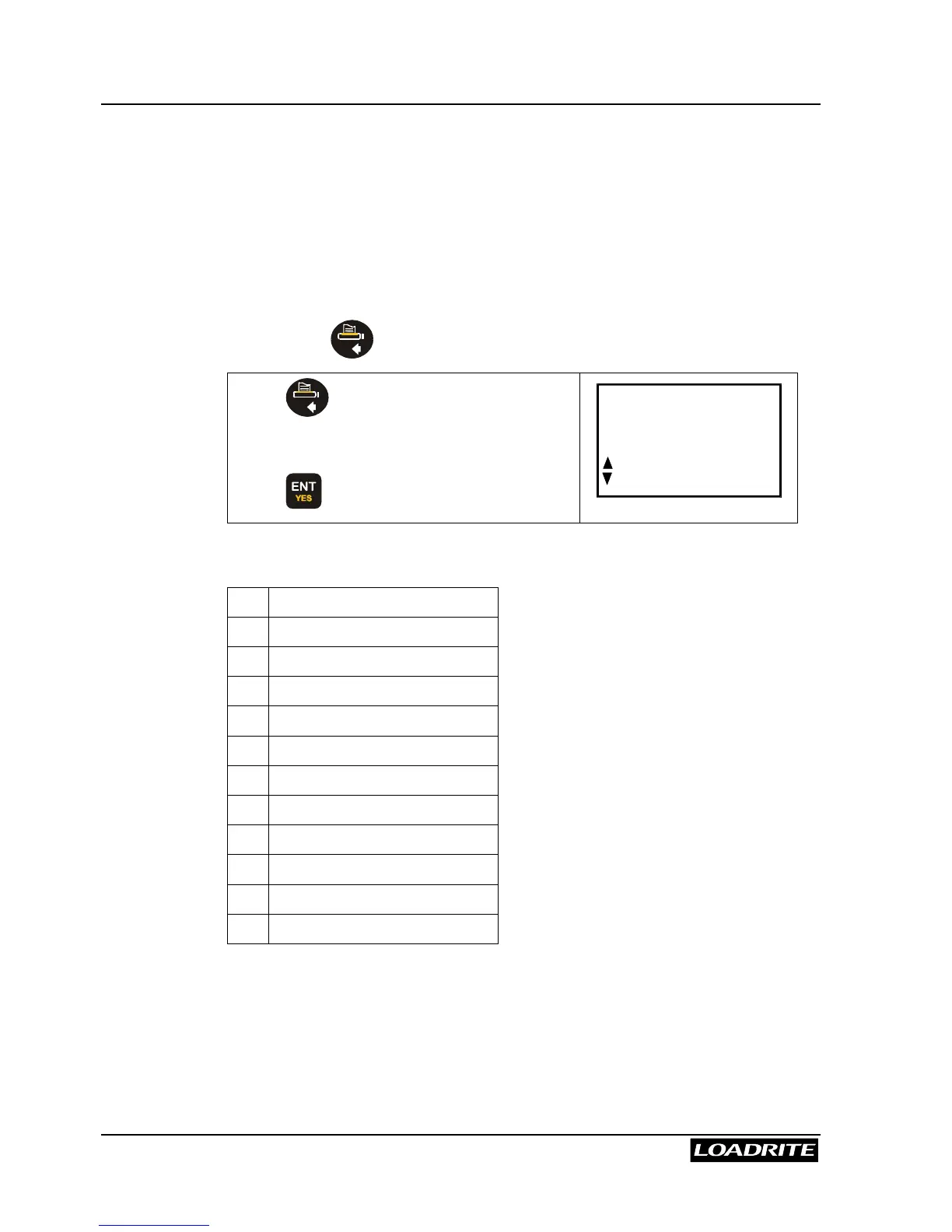
Print Menu
Pressing the key in the Ready mode displays the Print menu.
Press and use
5
6
to scroll to the
desired option.
Press to access selected option.
Print
Docket
The options in this menu are as follows:
Docket
Totals
Loadout
Summary
Special
Copy
Data List
Product Names
Volume Conversion Factor
Stand-by
Usage
Reset
Depending upon the configuration during installation, some options may
not be available.



 To Next Page