LOADRITE PRO OPERATING MANUAL
41
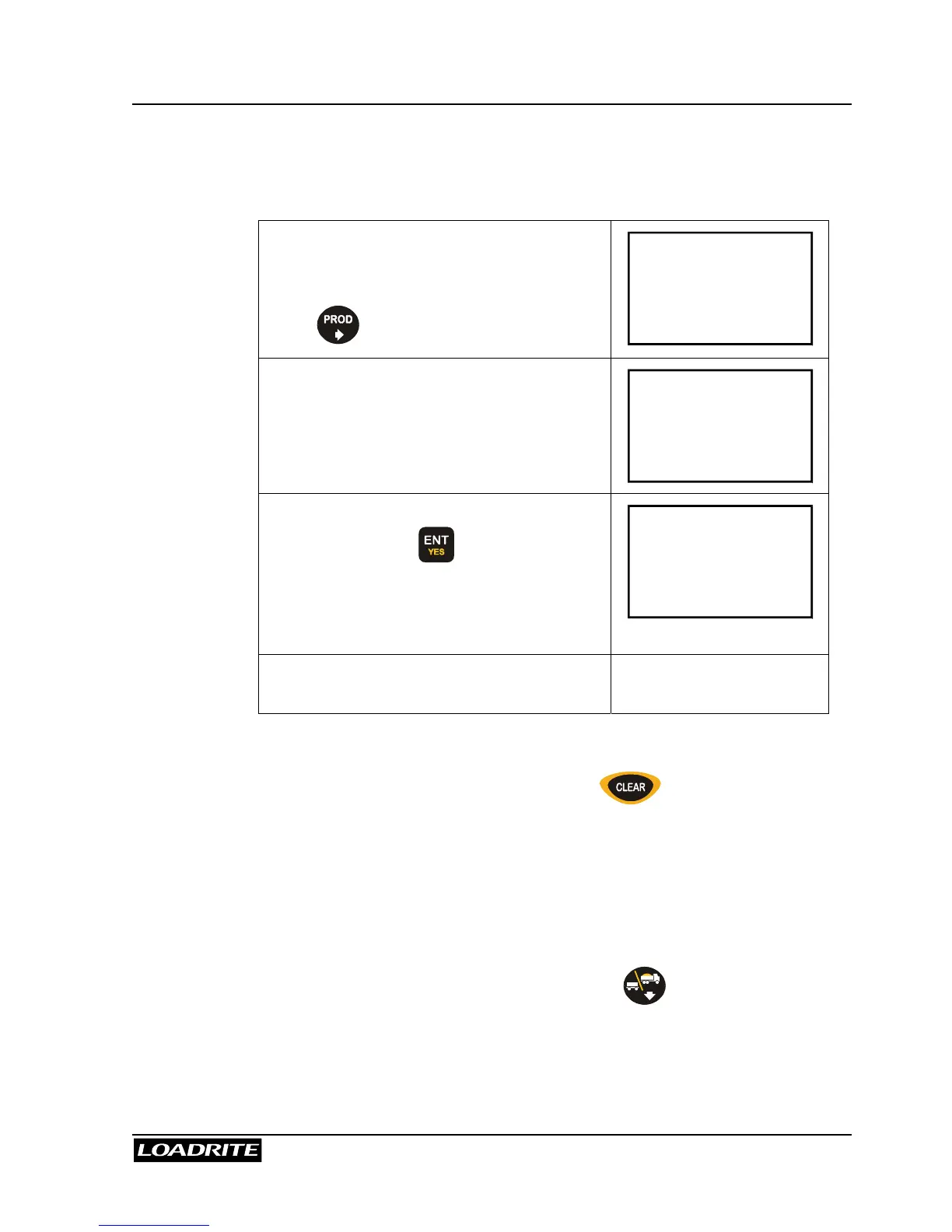
Changing Product
You can change product at any time (the Loadrite maintains the individual
totals for each product).
Press .
To Load
Sand
1800
The Loadrite displays the number of
buckets loaded, the product name and the
Short Total for that product.
Sand
Bucket 1
2200
Use
5
6
keys, or key in a product
number, and press to select the next
product.
(Only the products in the recipe are
available.)
Gravel
Bucket 0
0
Load this product and continue on to the
next.
Clearing the Batch Totals
To finish a Batch weighing operation, press .
The Loadrite clears the totals for all the products in the recipe and returns to
the Ready screen in Total mode.
Returning to Total Mode
The Loadrite automatically returns to Total mode after a CLEAR operation.
You can also return to Total mode by pressing .



 To Next Page