215585 96 Revision A
$
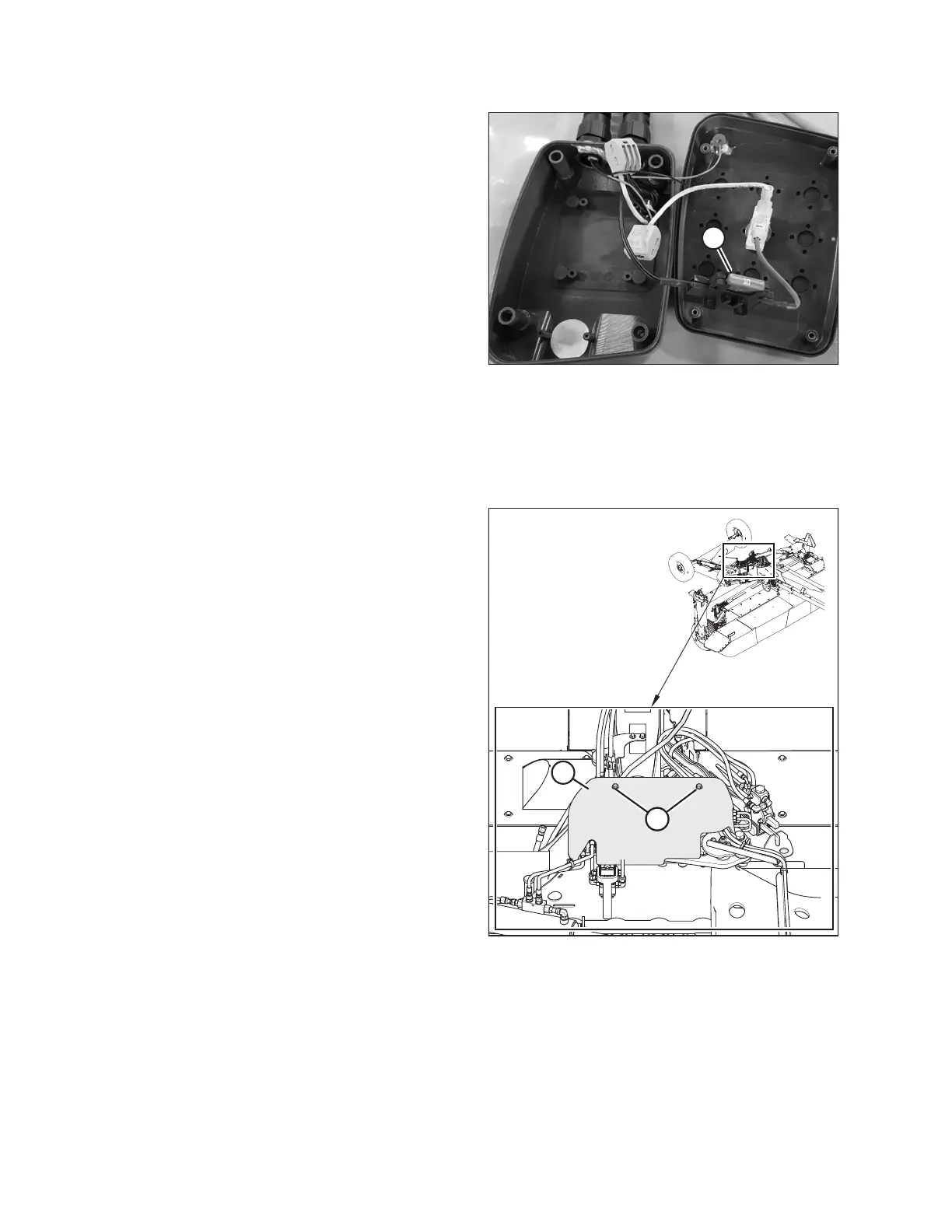
Figure 4.83: Control Box Interior
NOTE:
If connections are reversed, the lamp will not illuminate when
the toggle switch is in field mode. Try the following to correct
the issue:
• Check if 10 amp fuse (A) located inside the transport control
box has blown.
• Check for short in wires to solenoid valve on header.
• Check for incorrect wire connections (reversed) at the power
supply or solenoid valve.
6. Place the remote control inside the tractor cab.
4.8.5 Installing Cover
The transport cover protects the hydraulic valves and electrical components from debris.
$
%%
Figure 4.84: Cover
1. Install cover (A) onto the cover support.
2. Install bolts (B). Torque bolts to 60 Nm (45 lbf·ft).
ASSEMBLING THE ROTARY DISC PULL-TYPE – FACTORY-INSTALLED TRANSPORT





 To Next Page