S-5
3. WORK HISTORY
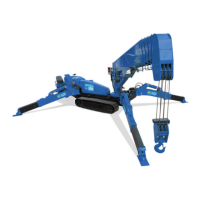
You can check the work history. (The display records up to 2000 in order of new arrival, and if it exceeds it will be
deleted from the old one.)
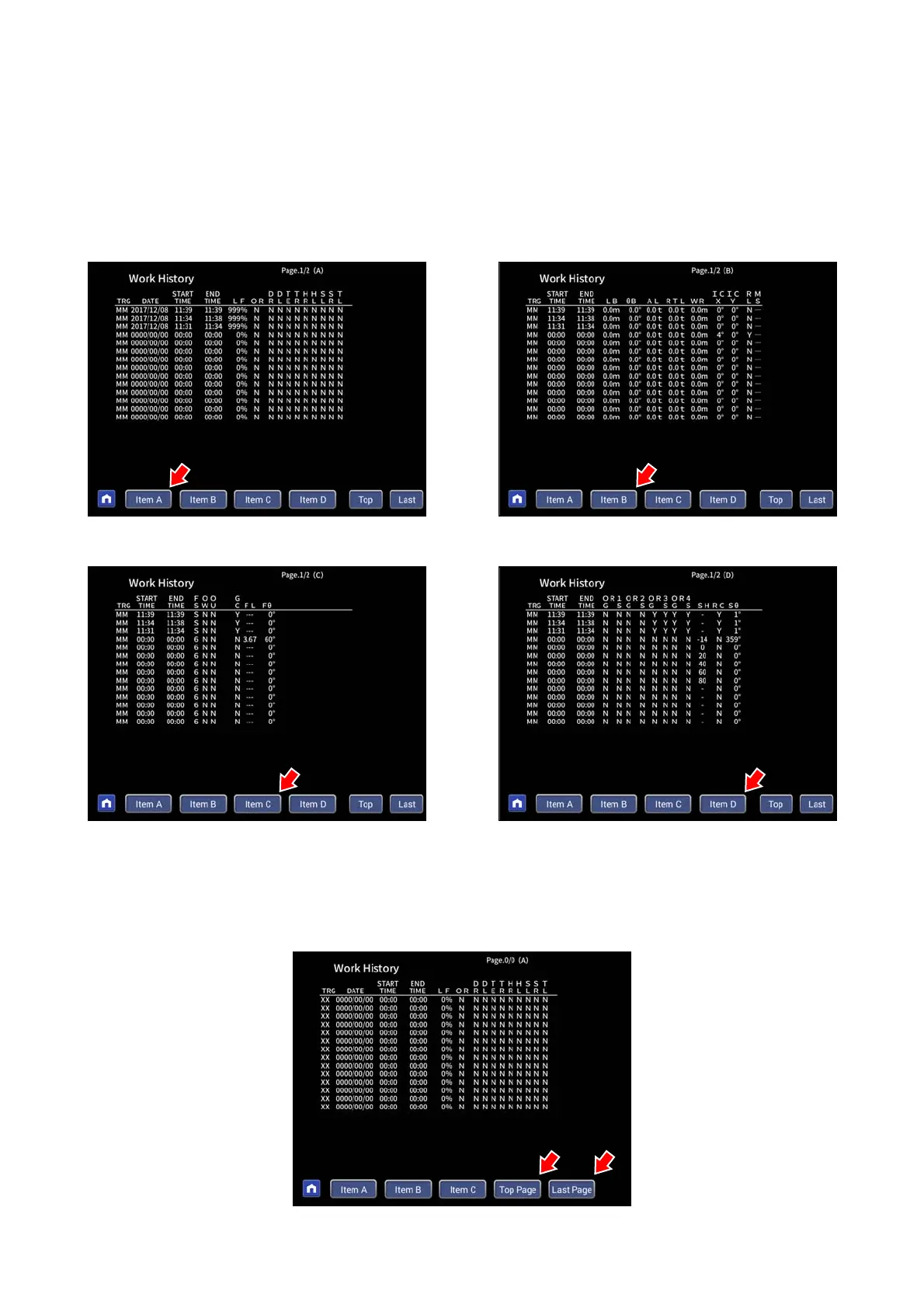
The display page has Item A, Item B, and Item C pages. Also, if the history number is large, you can change the page
with the pop-up selection switch (up / down).
By pressing the Item A, Item B, Item C page and Item D page, you can change the display contents.
By pressing the Top Page and Last Page, you can move to the Top Page (latest data) and Last Page (oldest data)
even from the middle of the page.
Item A page Item B page
Item C page
Item D page


 To Next Page