S-11
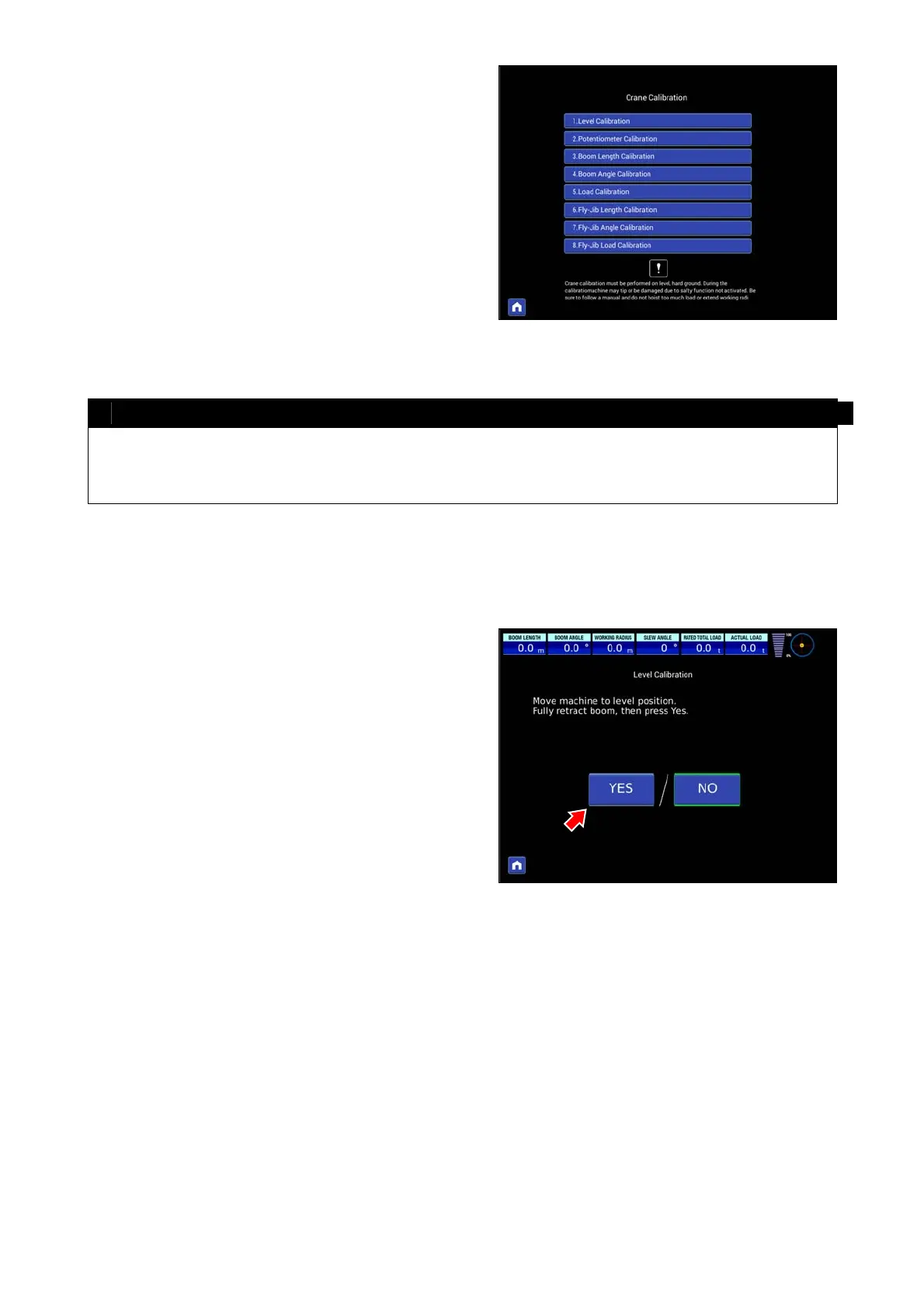
6. CRANE CALIBRATION
On the crane calibration display, select and touch calibration
item and move to calibration step.
To return to the previous screen, press the home button on the
below left.
NOTES
• Be sure to use horizontal and hard ground to conduct the crane calibration.
• Since the safety functions are cancelled during the calibration, be cautious of the risk of falling or damage of the
machine. Be sure to observe the monitor display or manual descriptions and refrain from lifting loads or extending
the working radius more than required.
6.1 LEVEL CALIBRATION
Move the machine to a horizontal place, set outriggers, and
make sure the machine is leveled.
(Put a level around post, and adjust outriggers so that the
machine becomes level.)
After confirming the machine is level, press “Yes”.



 To Next Page