4-36
Press the RIGHT ARROW
until this message ap-
pears.
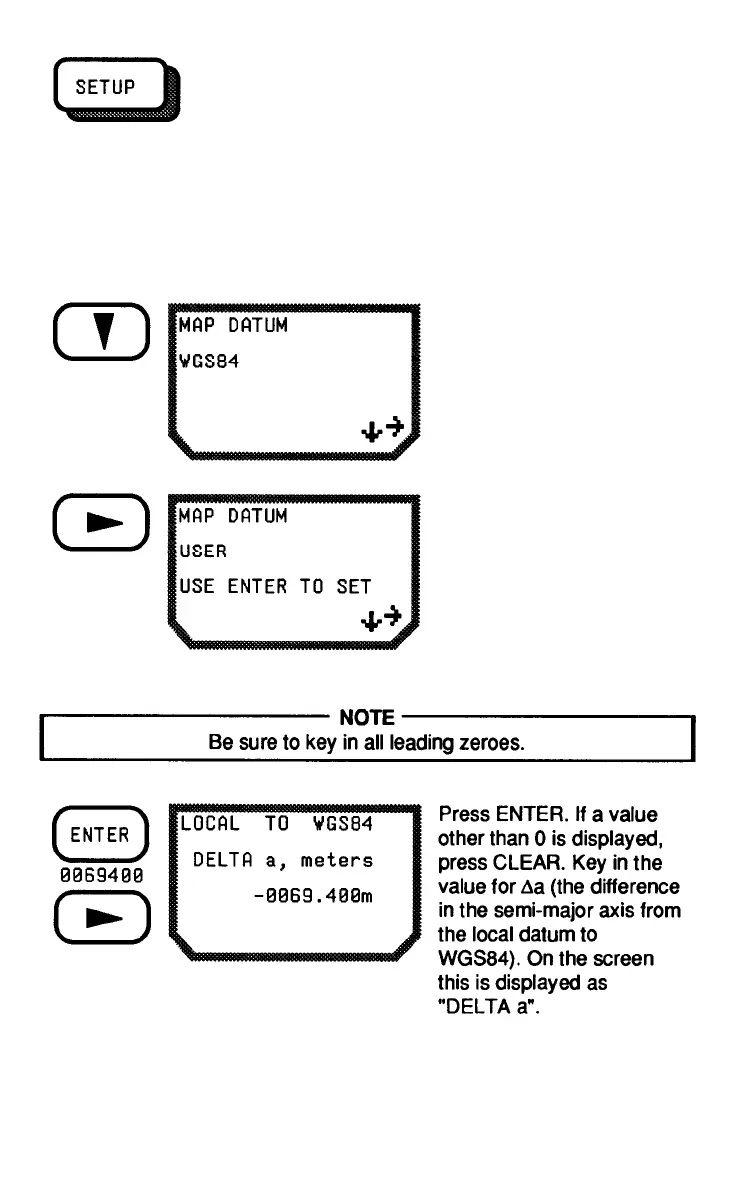
Setting a User-Entered Datum
If your Chart uses a datum that is not included in the choices listed on
the SETUP worksheet, you can use a user-entered datum. Refer to
Appendix 2 for the constants to convert the most common local datums
to WGS84.
From the LAT/LON display,
press the DOWN ARROW.



 To Next Page
 Loading...