FlyMarker
®
mini 85/45 plus and 120/45 plus
Operating Manual
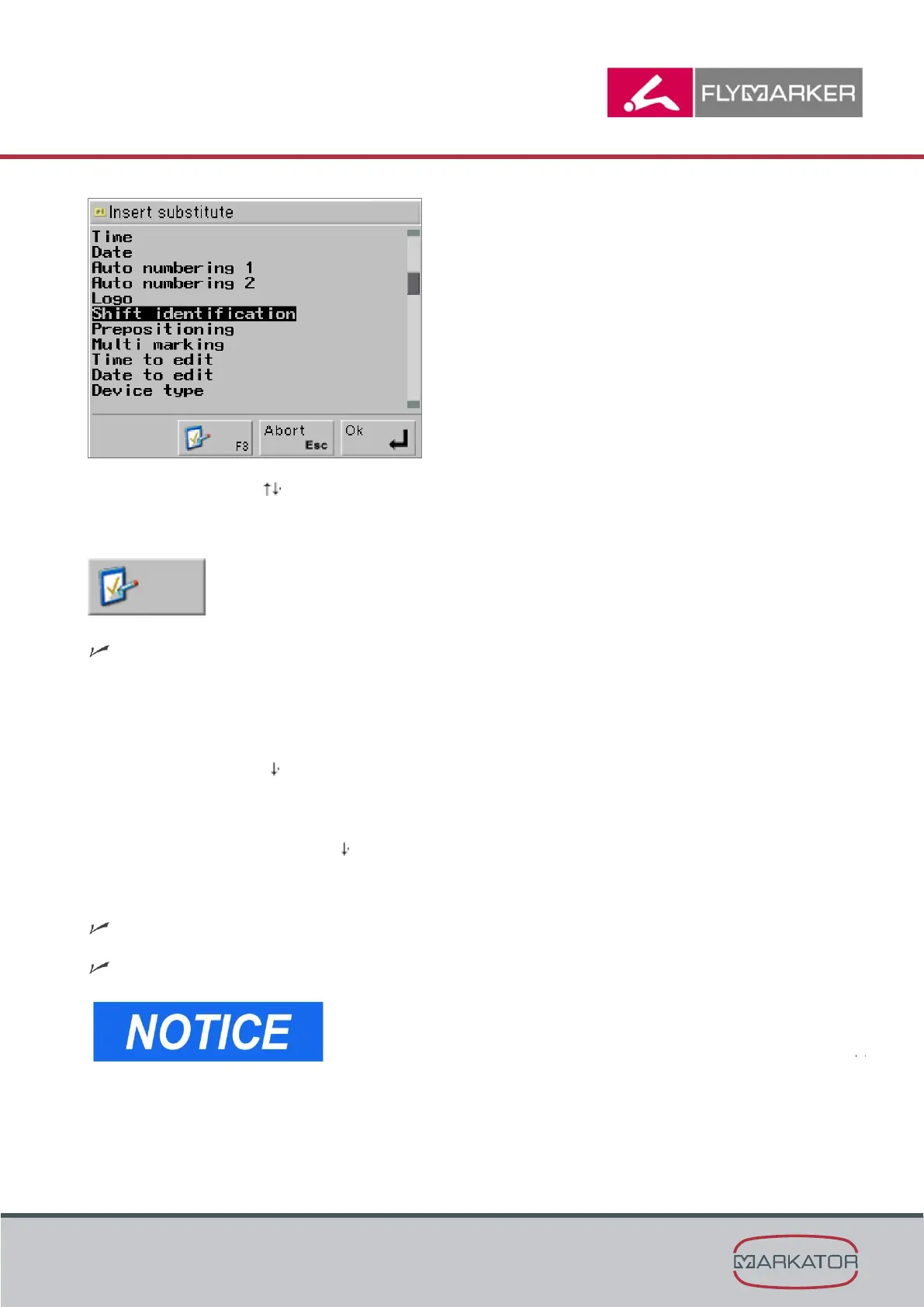
2. Use the arrow keys to select the Shift identification substitute.
3. Press F3.
The Shift marking window appears.
4. Enter the start of Shift 1 (2 ... 5).
5. Press Enter.
6. Press the arrow key .
7. Enter the text for Shift 1 (2 ... 5).
8. Press Enter or the arrow key .
9. Press the ESC key.
The main menu appears.
The Shift marking substitute has been inserted.
- The end of each shift is determined by the
beginning of the next shift. The end of Shift 5 is
determined by the beginning of Shift 1.
- A shift can last no more than 24 hours. If the actual
shift is longer, it must be extended with a new shift.
- Shift times must be specified in ascending order.
- If a shift is not used, it must be filled with the values
of the previous shift.



 To Next Page