FlyMarker
®
mini 85/45 plus and 120/45 plus
Operating Manual
4.2.13 Entering characters
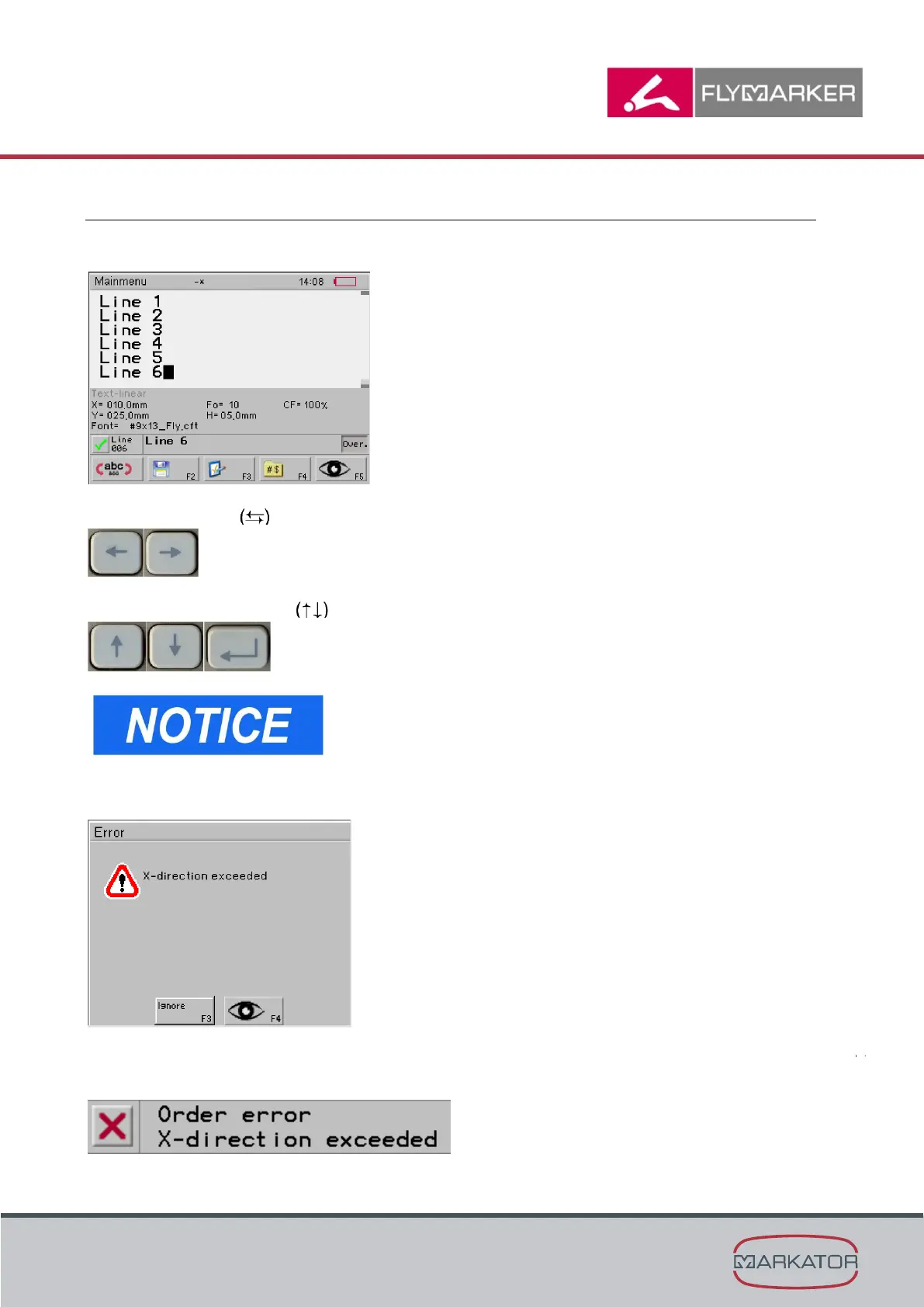
The characters to be marked are entered through the keyboard.
Use the arrow keys to move the cursor to any place in the character sequence.
Use one of the arrow keys or the Enter key to switch between lines.
During entry, it is not checked whether the character
entered can be marked within the permissible marking
range.
If the permissible marking range’s limit is exceeded, an error message appears.
Either when leaving the F3 parameter menu with ESC key, or after marking begins, but before
the actual making process. This prevents false marking.



 To Next Page