FlyMarker
®
mini 85/45 plus and 120/45 plus
Operating Manual
6. Troubleshooting
The following types of information may appear during marking operation:
A.
A warning appears. But the marking process is not interrupted.
Example: A heatsink’s temperature exceeds 85°.
B.
Information is displayed and the marking process is definitively stopped. To continue, the
marking process must be restarted.
Example: A reference run could not be made.
6.1 Error messages
Error messages are shown in the main menu window.
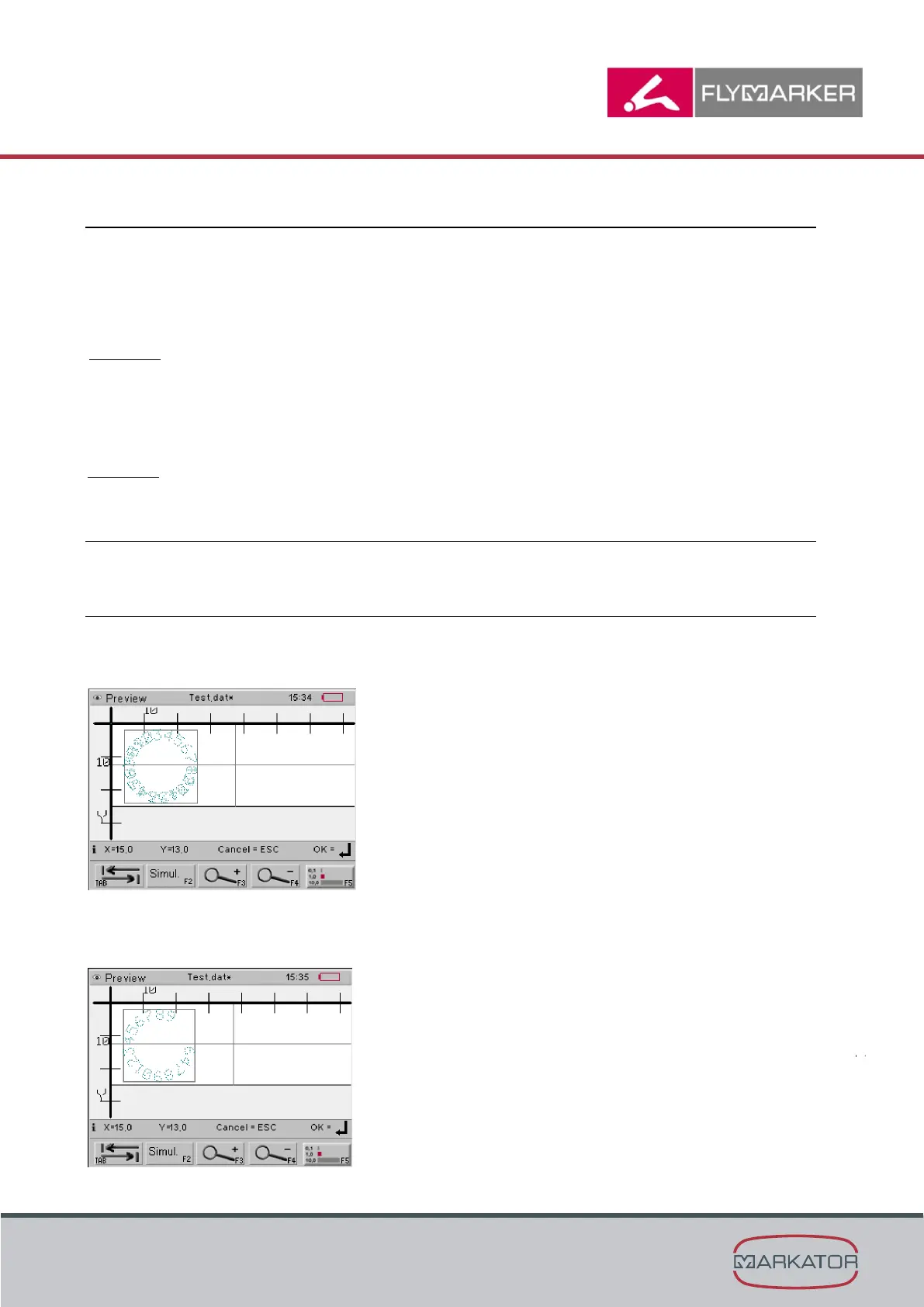
6.1.1 Marked angle range > 360
Cause:
During the text circle command, a circular text that was already marked was marked over again.
Solution:
Reduce the marking text or the character height.



 To Next Page