FlyMarker
®
mini 85/45 plus and 120/45 plus
Operating Manual
5.4.4 Logo configuration/insertion (program option K: HPGL)
4.4.4.1 Install the logo on the FlyMarker
®
mini
A description about the logo creation can be found
in the operating manual of the option HPGL
(Order-No. 5034 00 045).
The logo must be installed on the FlyMarker mini
before it can be integrated as a command into the
marking file.
This function is only possible after entering the user or
administrative password.
(→ Chapter “Entering passwords”, page 21).
1. Plug in the USB-stick with the logo file into the USB plug of the FlyMarker
®
mini.
The USB-stick must be formatted in FAT-32.
USB-stick will be identified by the FlyMarker.
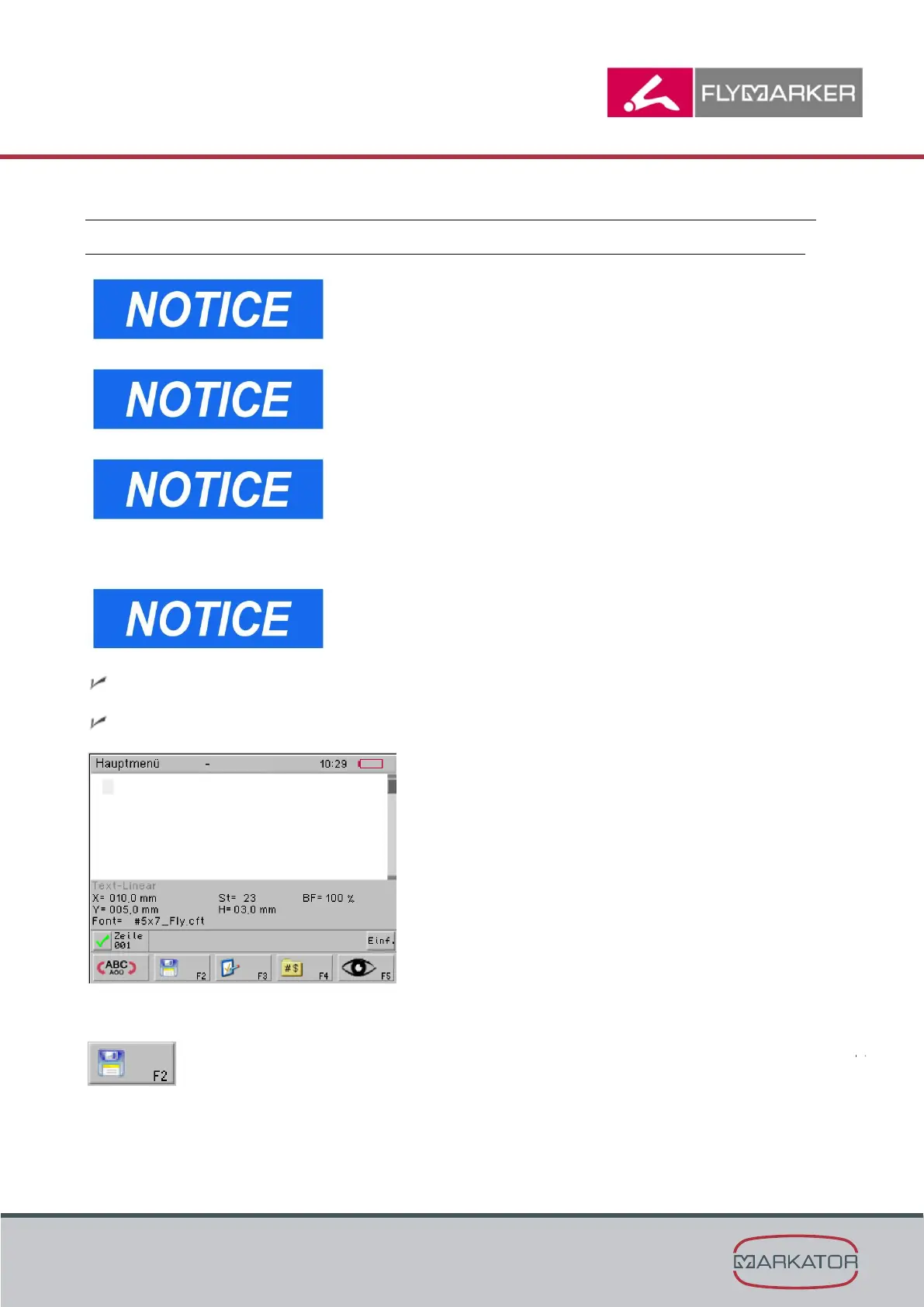
The main menu appears.
2. Press F2.



 To Next Page