FlyMarker
®
mini 85/45 plus and 120/45 plus
Operating Manual
3.6.4 Integrated barcode scanner (optional)
To avoid mistakes and to save time, processes will be automated more and more. This includes
also the input of texts which needs to be marked via a barcode scanner. With this optional
available, integrated barcode scanner it is possible to scan printed 2D-Codes, e.g. QR codes.
3.6.4.1 Set the „keyboard language“ of the integrated barcode scanner
The barcode scanner works similar to an input via the keyboard, that’s why the language needs
to set. German language is set as standard.
If the language needs to be changed, the barcode scanner has to be reprogrammed. This can
be done by scanning several codes.
Following keyboard languages are available at the moment:
- German Chapter “Barcode scanner Keyboard German”, page 155
- English Chapter “Barcode scanner Keyboard English”, page 156
- English U.S. Chapter “Barcode scanner Keyboard English U.S.”, page 157
- French Chapter “Barcode scanner Keyboard French”, page 158
The listed codes need to be scanned in given order to change the keyboard settings of the
language.
3.6.4.2 Program the command „internal barcode scanner“
This function is only possible after entering the user or
administrative password.
( Chapter “Entering passwords”, page 21)
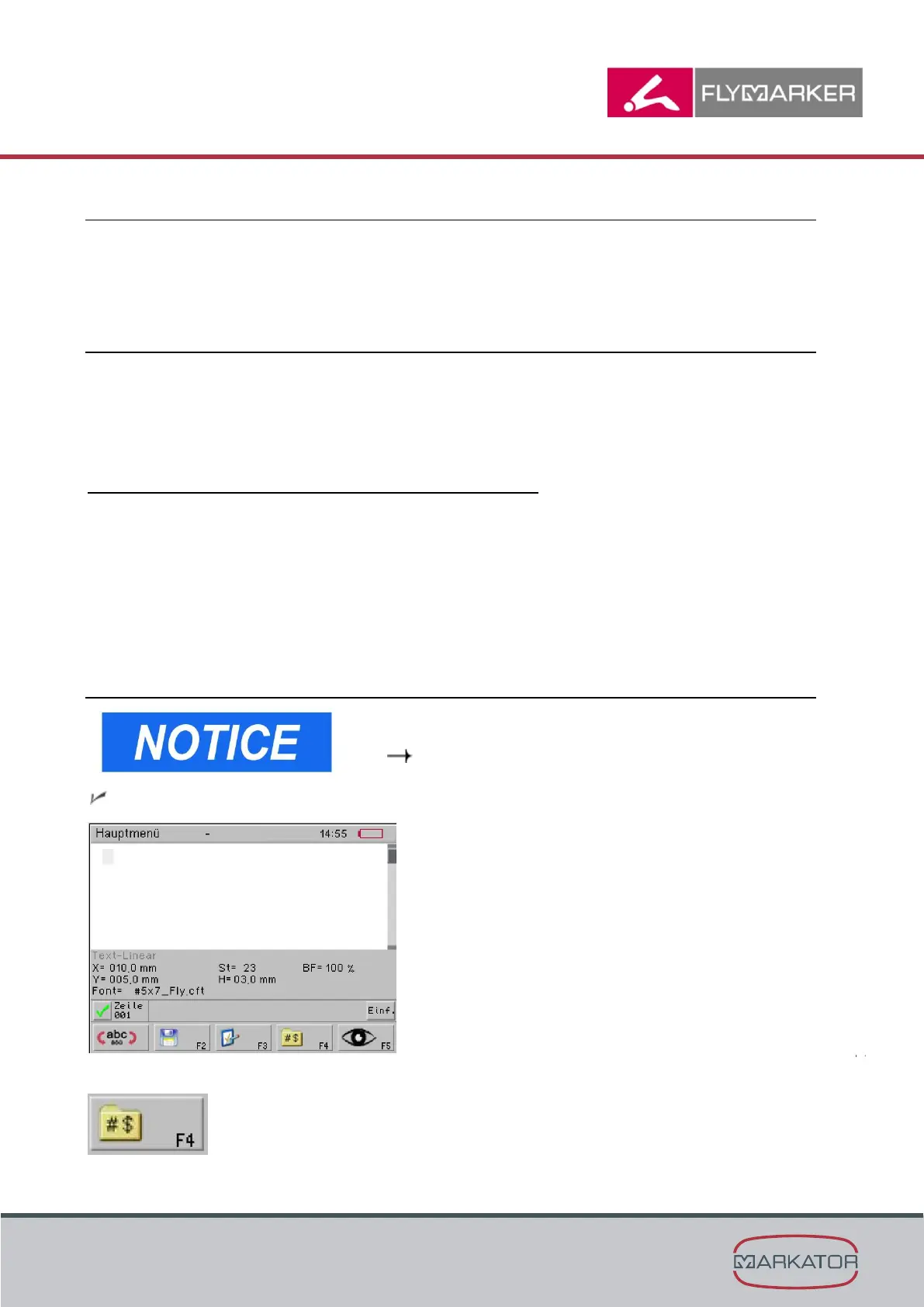
The main menu appears.
1. Press F4.



 To Next Page