FlyMarker
®
mini 85/45 plus and 120/45 plus
Operating Manual
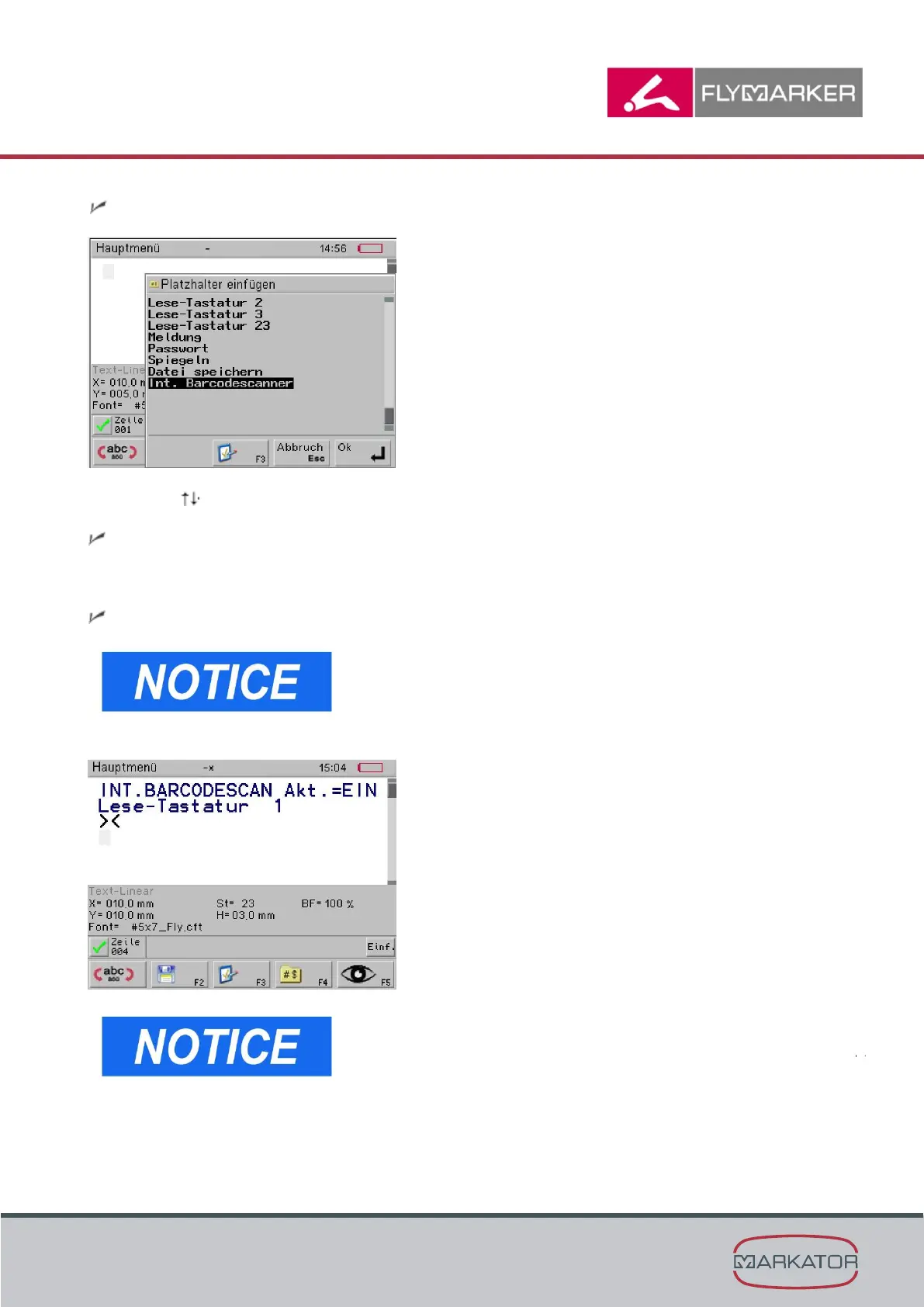
The Insert substitutes window appears.
2. Use the -arrow keys to select the internal barcode scanner substitute.
The internal barcode scanner window appears.
3. Change the setting on active „ON“ and press ESC to leave the menu.
The command „internal barcode scanner“ has been inserted.
The barcode scanner takes some seconds to boot when the
marking file will be started via the release button.
Sample file:



 To Next Page