FlyMarker
®
mini 85/45 plus and 120/45 plus
Operating Manual
5.4.8 Editable time configuration/insertion (program option B: KOMFORT)
Configuration and insertion of the Time to edit substitute are done as described in Chapter
“Configuring/inserting time”, page 88.
The specified format applies exclusively to the marking’s current editable time substitute.
Multiple insertions in different lines of text with different time formats are possible. In the
marking line in the main menu, the inserted time can be edited and expanded by adding text
characters or substitutes.
5.4.9 Editable date configuration/insertion (program option B: KOMFORT)
Configuration and insertion of the Date to edit substitute are done as described in chapter
“Configuring/inserting auto-date", page 91.
The specified format applies exclusively to the marking’s current editable date substitute.
Multiple insertions in different lines of text with different date formats are possible. In the
marking line in the main menu, the inserted date can be edited and expanded by adding text
characters or substitutes.
5.4.10 Device type configuration/insertion (program option B: KOMFORT)
This function is only possible after entering the user or
administrative password.
(→ Chapter “Entering passwords”, page 21).
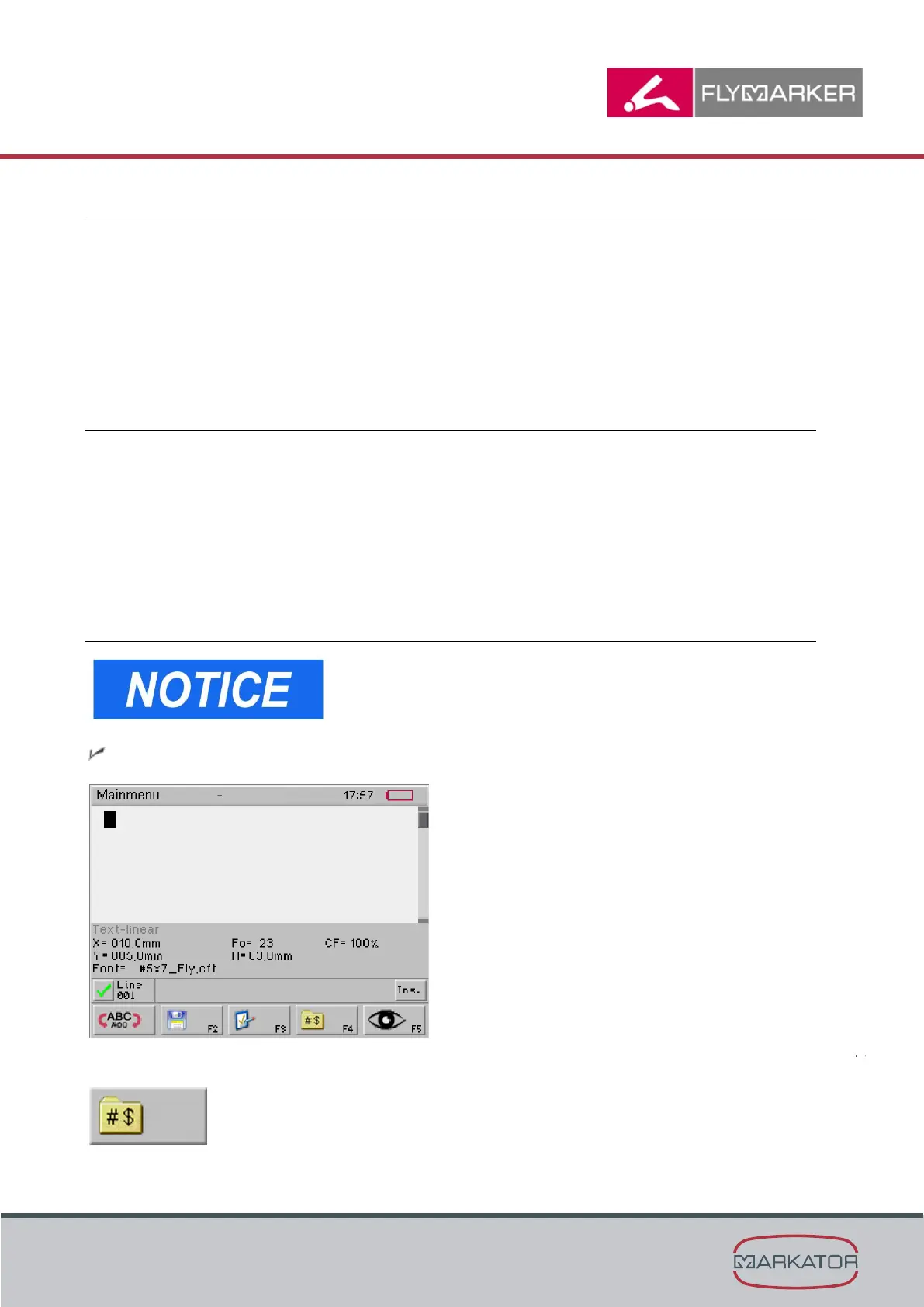
The main menu appears.
1. Press F4.



 To Next Page