FlyMarker
®
mini 85/45 plus and 120/45 plus
Operating Manual
During the reference run, the stylus is moved to the
upper left border of the text field (reference position), the
internal step counter (X/Y) is set to zero, and after that it
is possible to move the specified position and do the
marking.
The marking is performed.
- FlyMarker
mini must not be moved during the
marking that follows.
- No operation is possible during marking.
5.7 Selecting the operating language
This function is only possible after entering the user or
administrative password.
(→ Chapter “Entering passwords”, page 21).
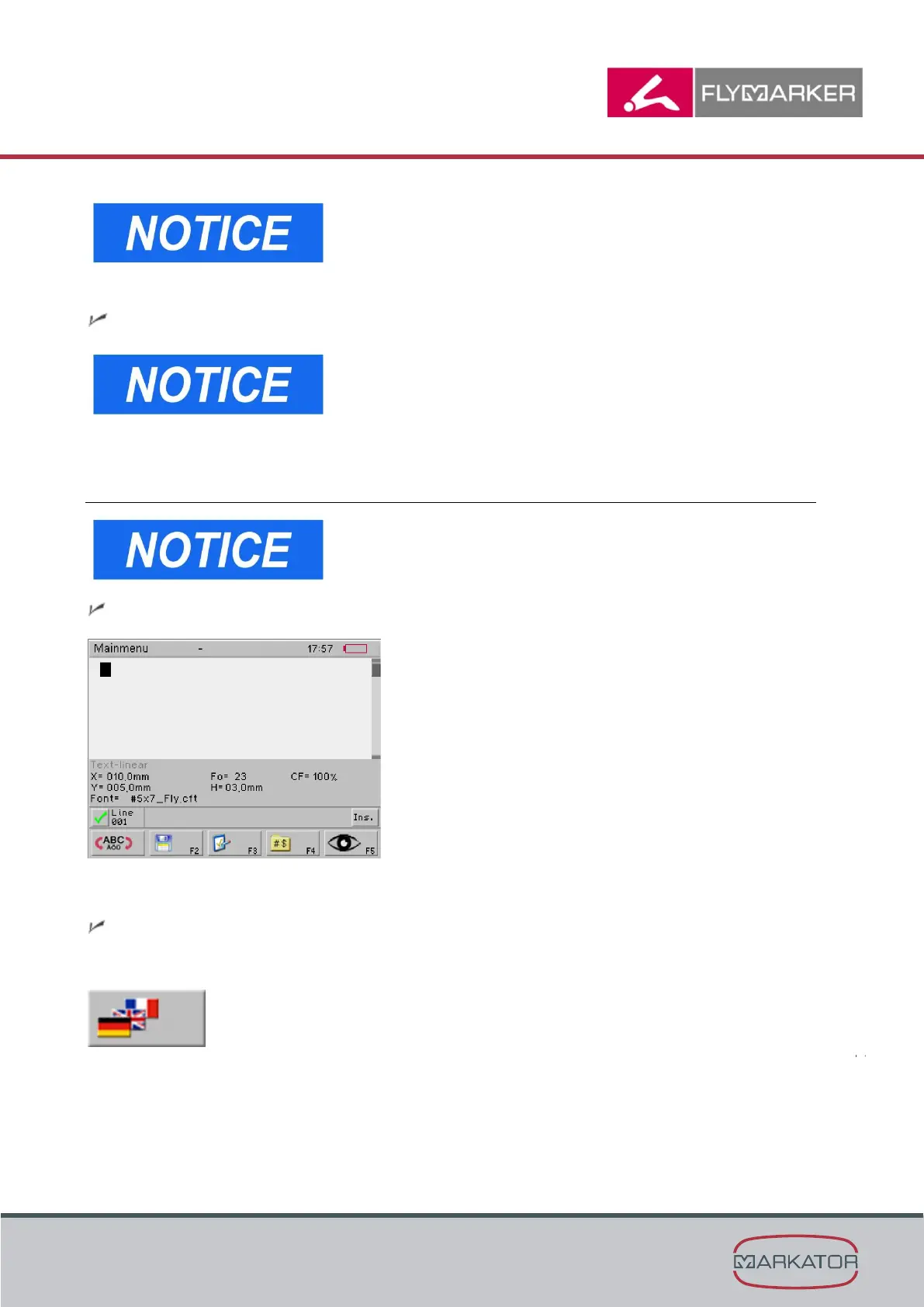
The main menu appears.
1. Press the change level key.
The second level of the main menu appears.
2. Press F9.



 To Next Page