EasyManua.ls Logo

Markator FlyMarker mini 85/45 plus - Page 126

Markator FlyMarker mini 85/45 plus
162 pages
Print Icon
To Next Page IconTo Next Page
To Previous Page IconTo Previous Page
Loading...
FlyMarker
®
mini 85/45 plus and 120/45 plus
Operating Manual
126
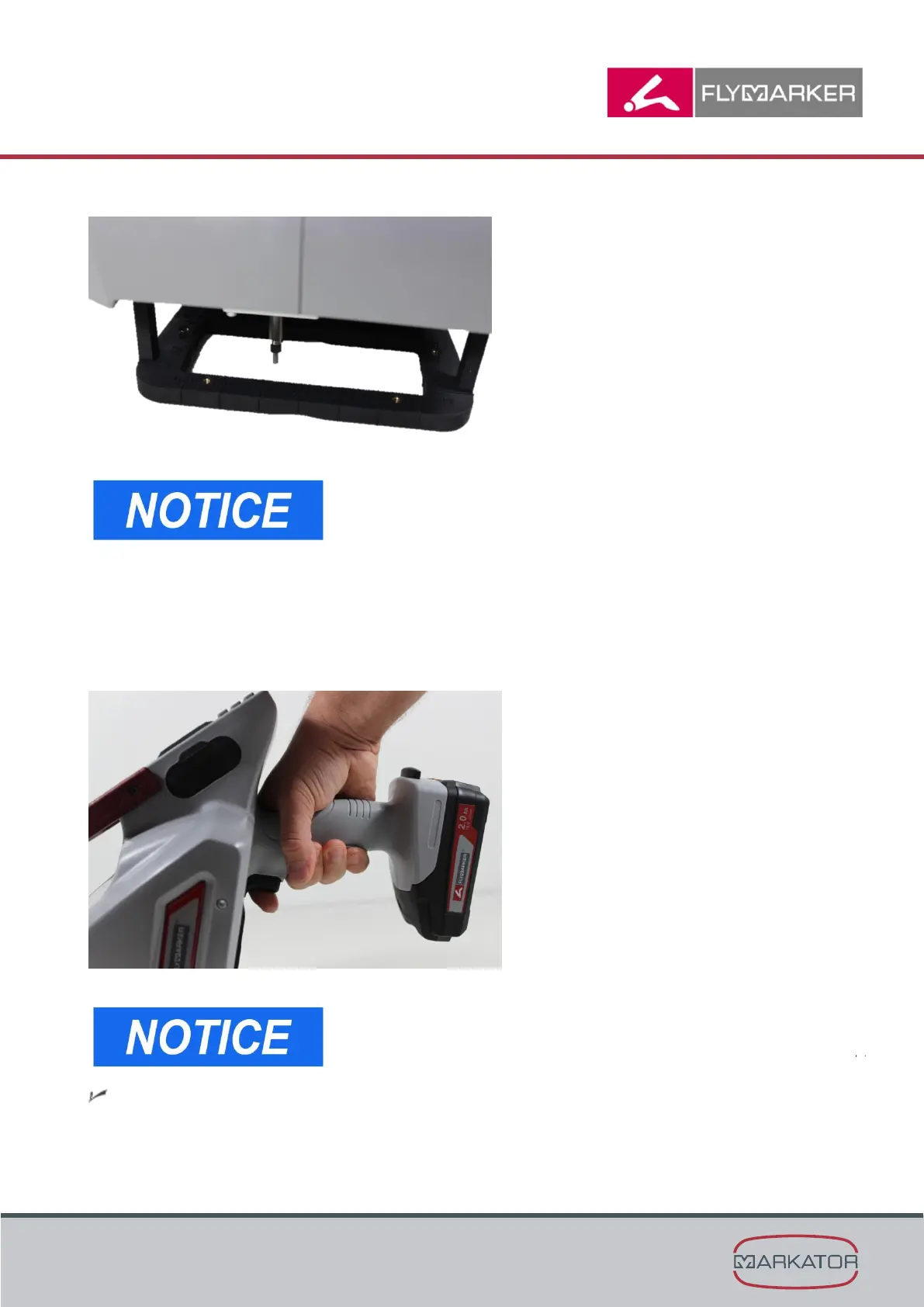
- The support plate has an anti-skid surface.
- For rounded work pieces (such as pipes), FlyMarker
mini must be exactly oriented to the prism of the
support plate (axial = A or radial = B), depending on
the type of marking. Marking is then done centrally to
the corresponding prism, i.e. centrally to the curve.
(→ Chapter “Instructions on the parameter menu”,
page 74)
6. Briefly press the trigger.

The trigger does not need to stay pressed until the end
of marking.
The stylus makes a reference run.

Table of Contents

Related product manuals