FlyMarker
®
mini 85/45 plus and 120/45 plus
Operating Manual
3.1 Preparing FlyMarker
®
mini for mobile operation
1. Charge battery completely.
(→Chapter „Battery charging status, page 43)
(→Chapter „Changing/charging the battery“, page 44)
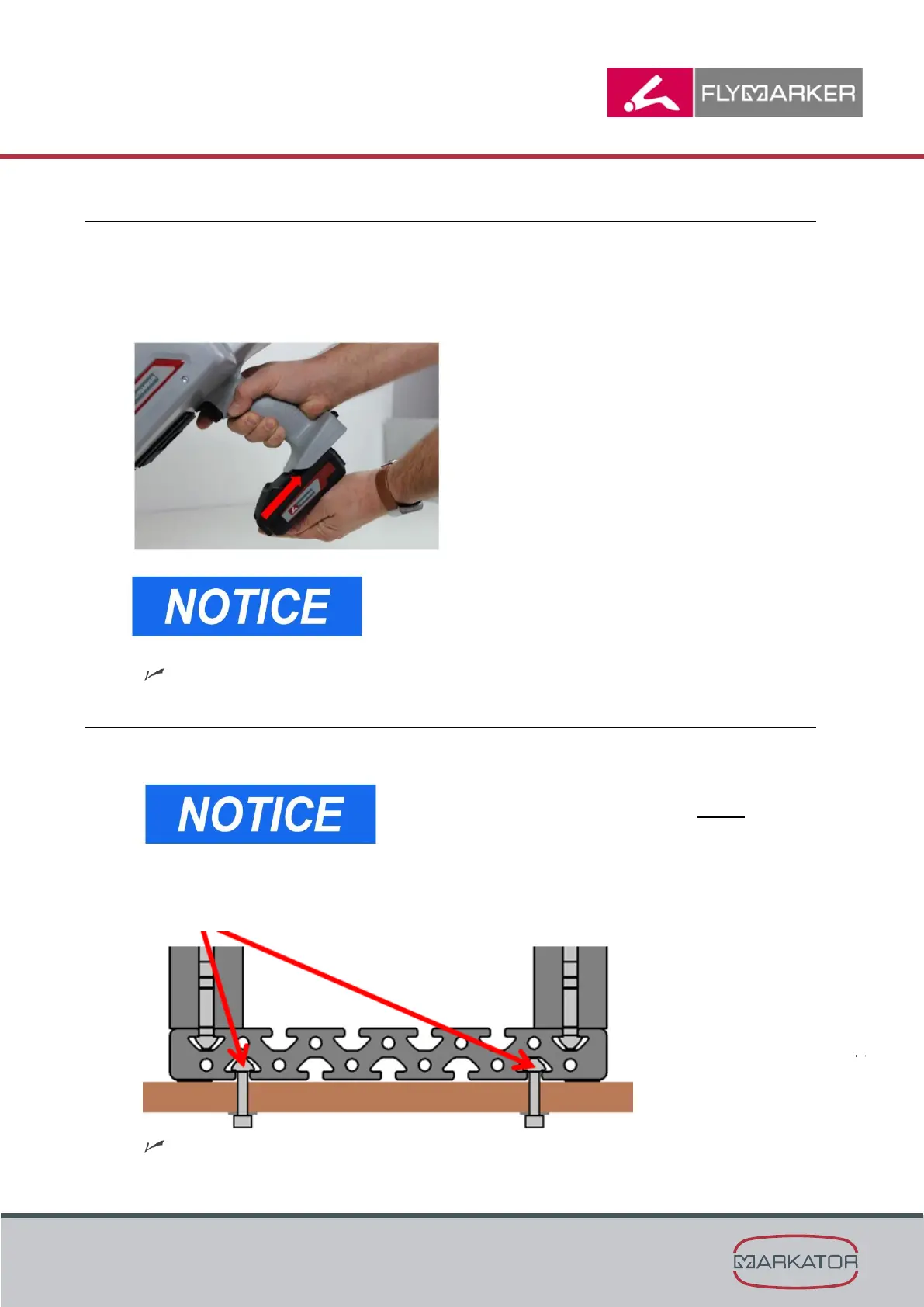
2. Insert the charged battery into the handle. (→ Illustration)
You can hear and feel the battery snap in when it locks.
The FlyMarker
mini is now ready to use.
3.2 FlyMarker
®
mini with column frame – Preparing the column frame
1. Choose the place for setup or assembly.
The work surface must be flat and horizontal.
Check the stability of the column frame before using
it and secure if necessary.
2. Set up the column frame and check the stability.
3. Secure the column frame against tilting.
The FlyMarker
mini with column frame is now ready to use.



 To Next Page