FlyMarker
®
mini 85/45 plus and 120/45 plus
Operating Manual
4. Installation
4.1 Function levels
Access to control functions depends on the functional level selected:
Operator level
The following functions can be performed without a password:
- Entering passwords
- Single marking (without entering the marking text)
- Showing the marking preview
User level
By entering a user password, the user can perform all operator functions, as well as the
following functions:
- Create a new marking file
- Save a marking file
- Save a marking file as
- Delete a marking file
- Edit a marking file
- Select and manage substitutes
- Teach-in, diagnosis
Administrator level
By entering an administrative password, the administrator can perform all operator and user
functions, as well as the following functions:
- Display system information (option)
- Select the operating language
- Perform system settings
- Format memory (delete data)
- Edit the marking preview
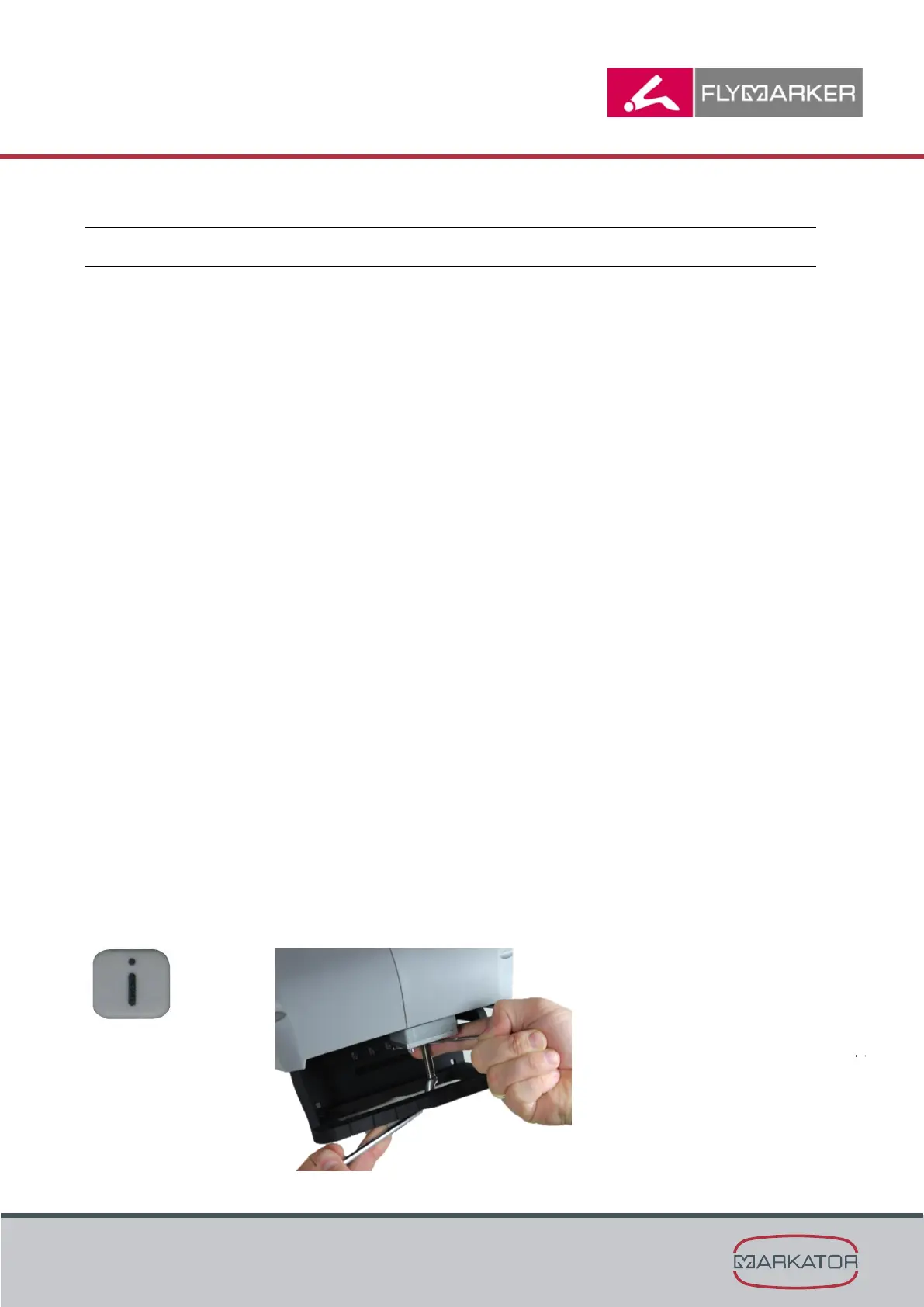
Pressing the i key takes you to descriptions of the function keys.
i key



 To Next Page