FlyMarker
®
mini 85/45 plus and 120/45 plus
Operating Manual
3.5.4 Selecting operating language
This function is only possible after entering the
administrative password.
(→ Chapter “Entering passwords”, page 21).
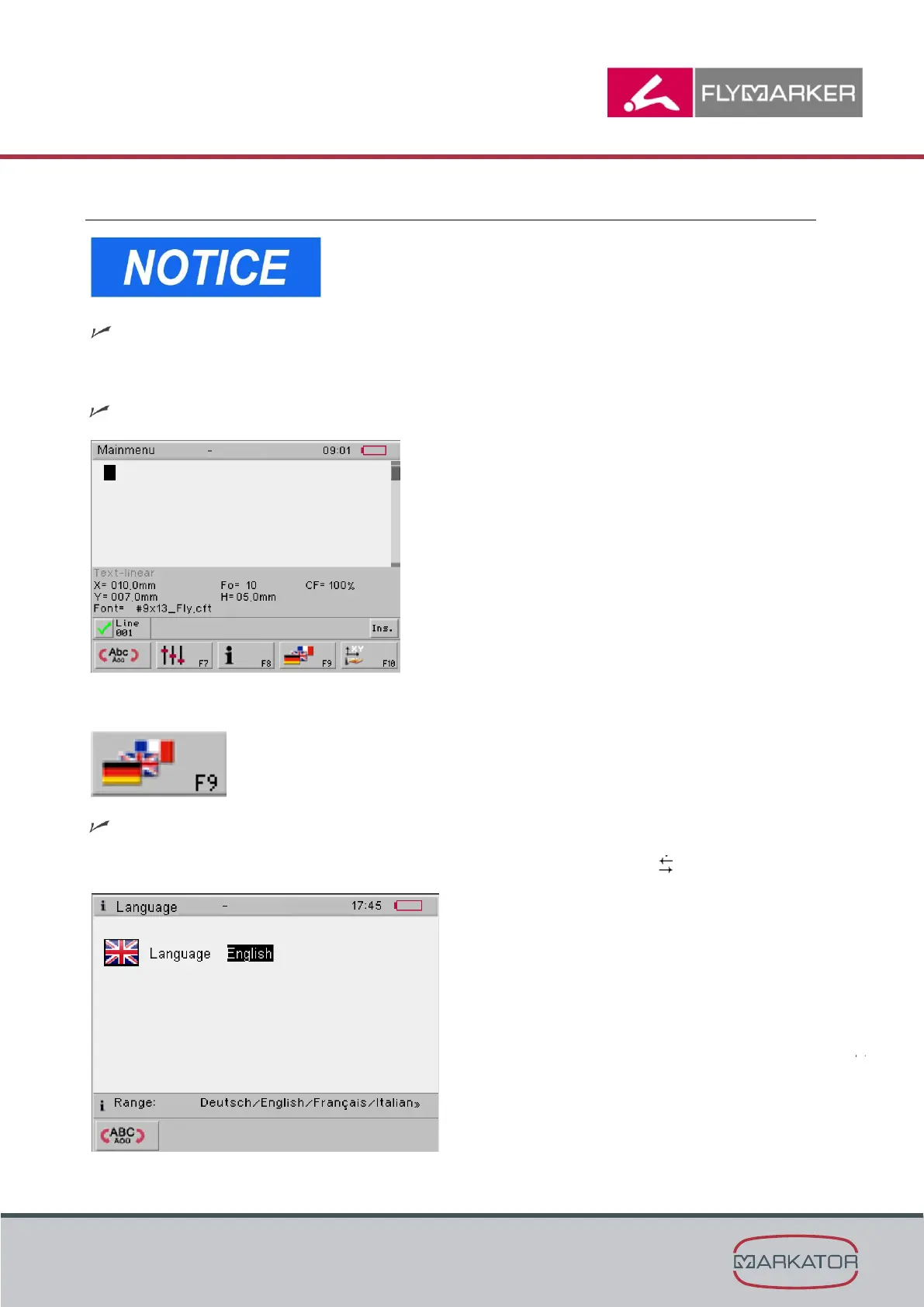
The main menu appears.
1. Press the change level key.
The second level of the main menu appears.
2. Press F9.
The Language window appears.
3. Select the operating language with the space-bar or the arrow keys .



 To Next Page