FlyMarker
®
mini 85/45 plus and 120/45 plus
Operating Manual
3.6.2 Select and change the magnet
Depending on the material and the required marking depth, the magnet can be selected. There
are two versions available: A standard magnet version and an extra strong magnet version.
As the magnet is a wear part, it could be that it needs to be changed.
Standard magnet
Order-No.: 5063 47 000
Extra strong magnet
Order-No.: 5063 45 000
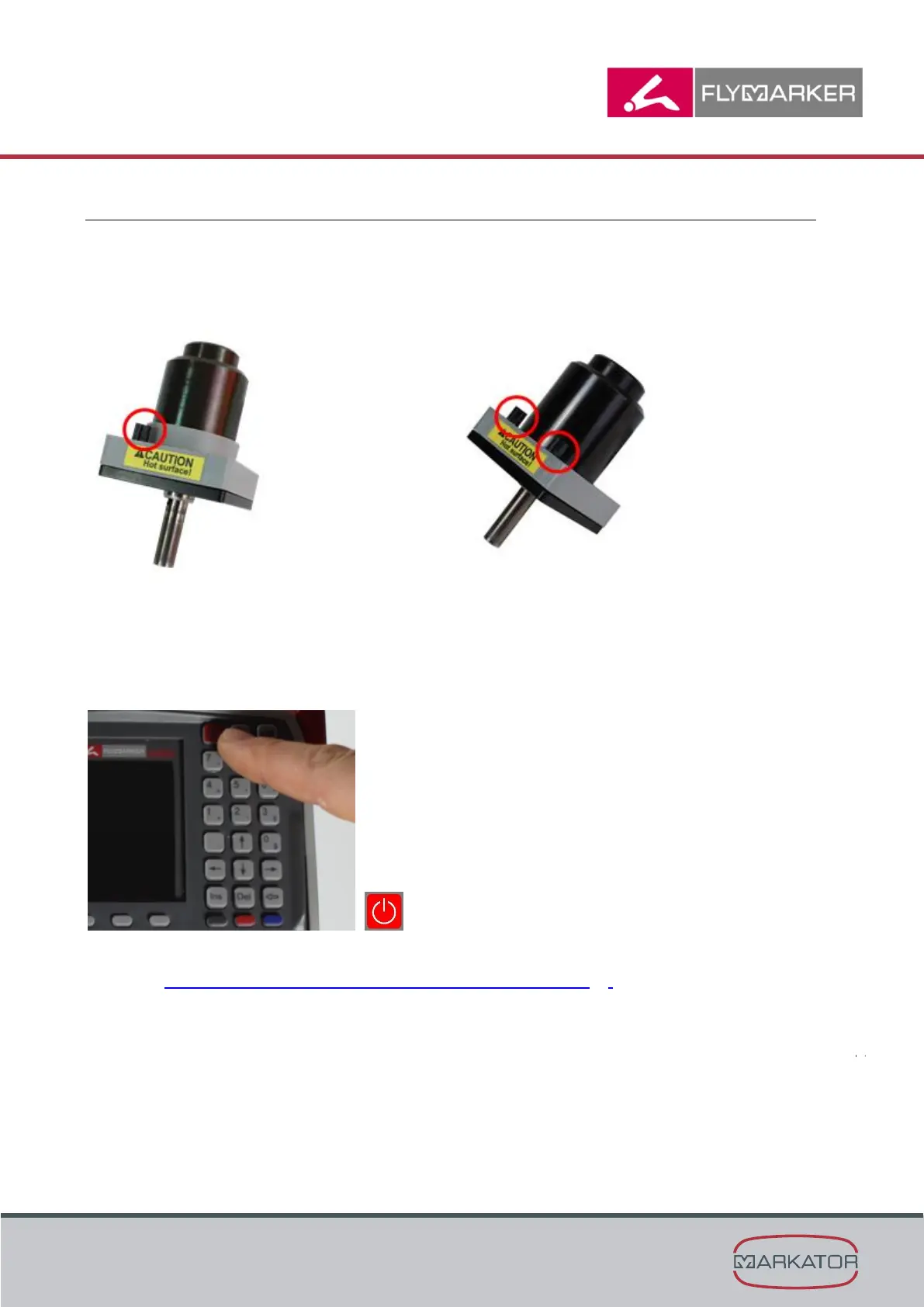
1. Turn the FlyMarker
®
mini off using the On/Off-button.
2. Remove the marking pin from the magnet. Remove the collet.
Chapter „Selecting and installing the marking pin“, page 29.
3. Unscrew both screws of the magnet using an allen wrench (2,5 mm).



 To Next Page