FlyMarker
®
mini 85/45 plus and 120/45 plus
Operating Manual
4.2.10 LED charge indicator on the charger
The operating indicator flashes.
The operating display lights up continuously.
Battery pack is not charged. Temperature too high/too low. When
the temperature of the battery pack is between 0 °C and 50 °C,
the charging process begins automatically.
Battery pack is defective. Remove the battery pack immediately
from the charger.
The battery pack was not pushed correctly onto the sliding seat.
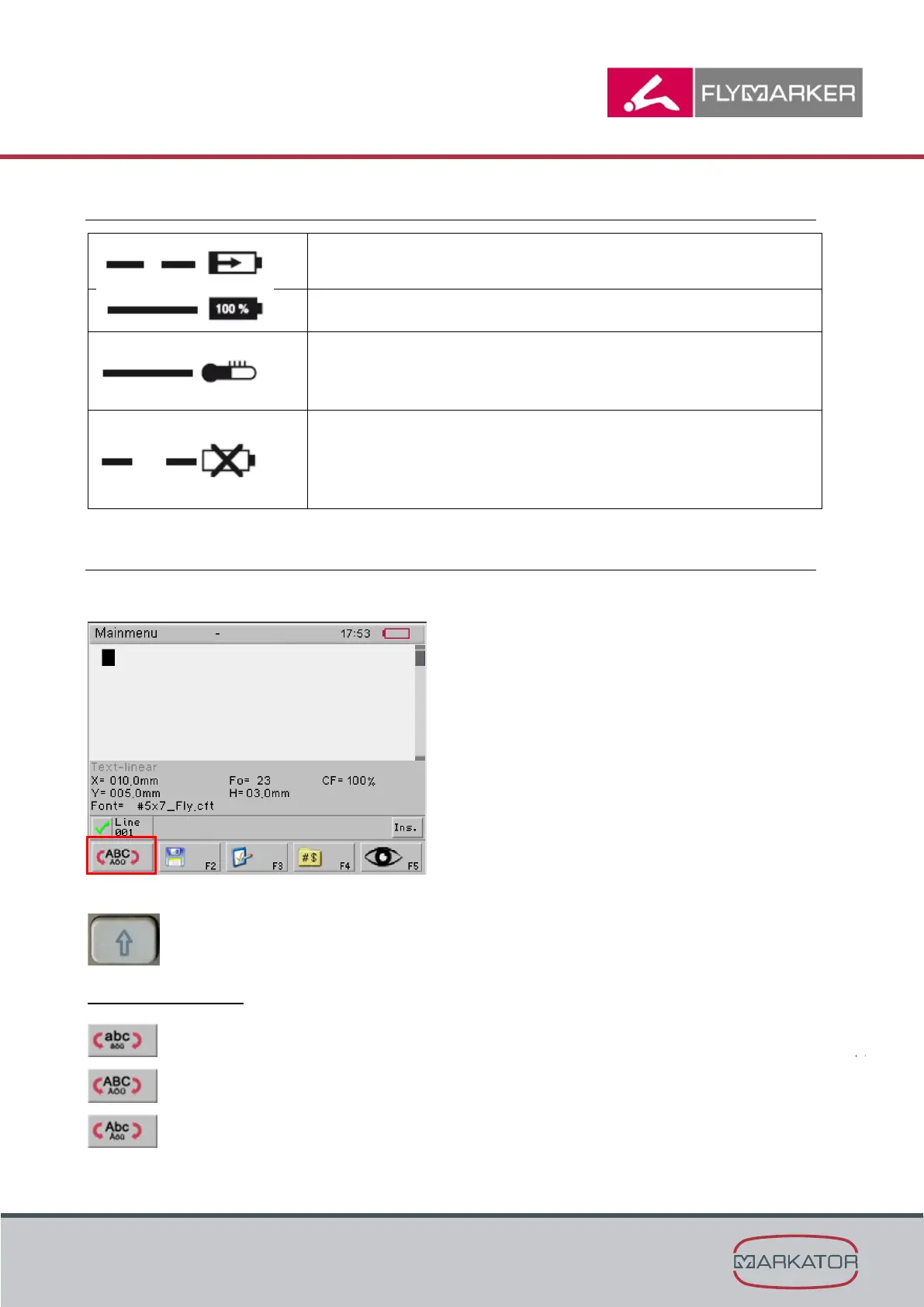
4.2.11 Selecting the keyboard mode
Use the shift key to switch between uppercase and lowercase letters.
Use the shift key to switch between uppercase and lowercase letters.
The possibilities are:
Continuous lowercase
Continuous uppercase
The next letter in uppercase and then continuous lowercase after that



 To Next Page