FlyMarker
®
mini 85/45 plus and 120/45 plus
Operating Manual
5.2 Editing a marking file
This function is only possible after entering the user or
administrative password.
(→ Chapter “Entering passwords”, page 21).
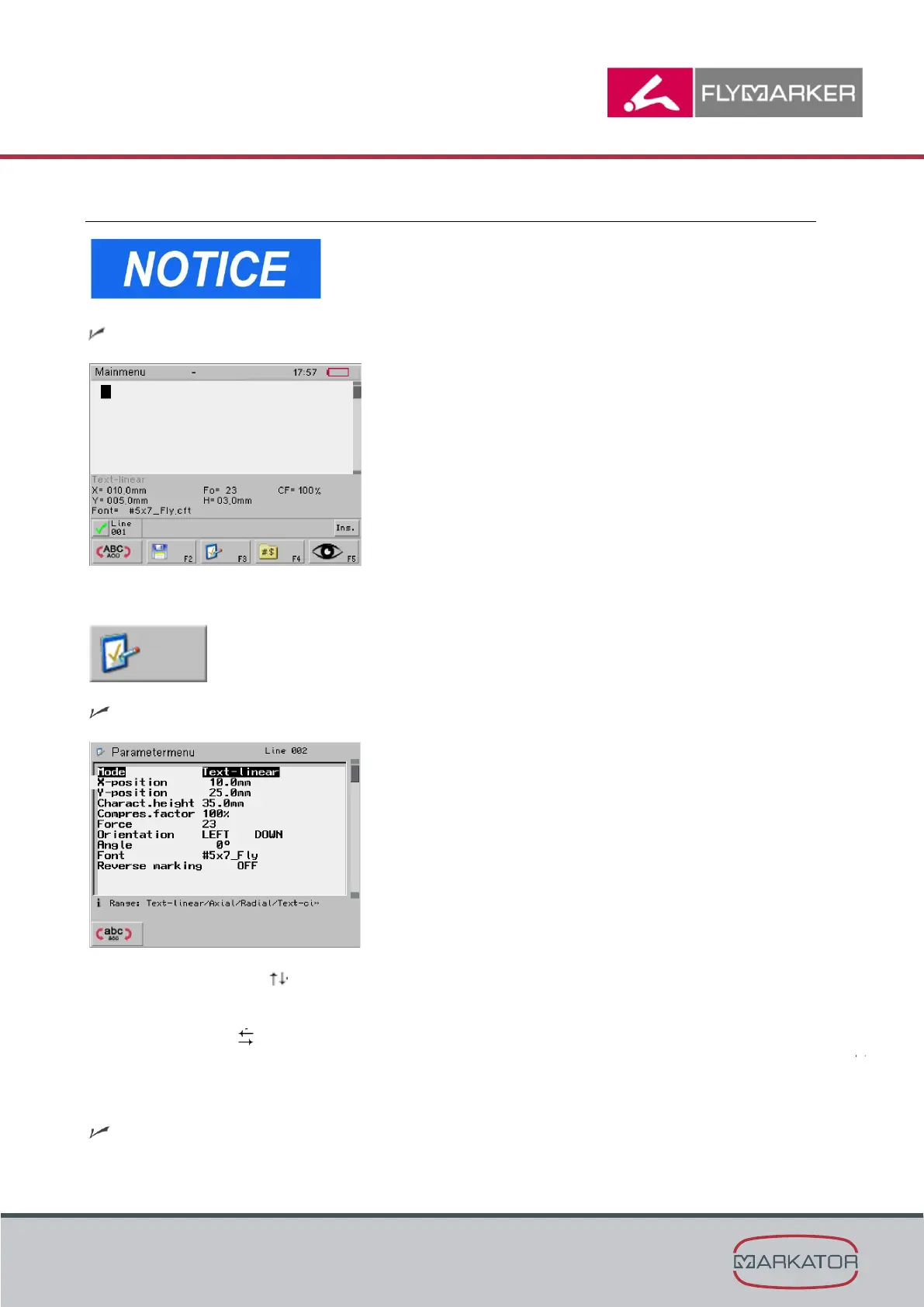
The main menu appears.
1. Press F3.
The Parameter menu window appears.
2. Use the arrow keys to select the parameter.
either:
Use the arrow keys to select the value.
or:
Enter the value manually through the keyboard.
Press Enter to accept.



 To Next Page