FlyMarker
®
mini 85/45 plus and 120/45 plus
Operating Manual
3.5 Turning on FlyMarker
®
mini
The FlyMarker
mini is now ready to use.
(→Chapter „Preparing FlyMarker
®
mini for mobile operation“, page 15)
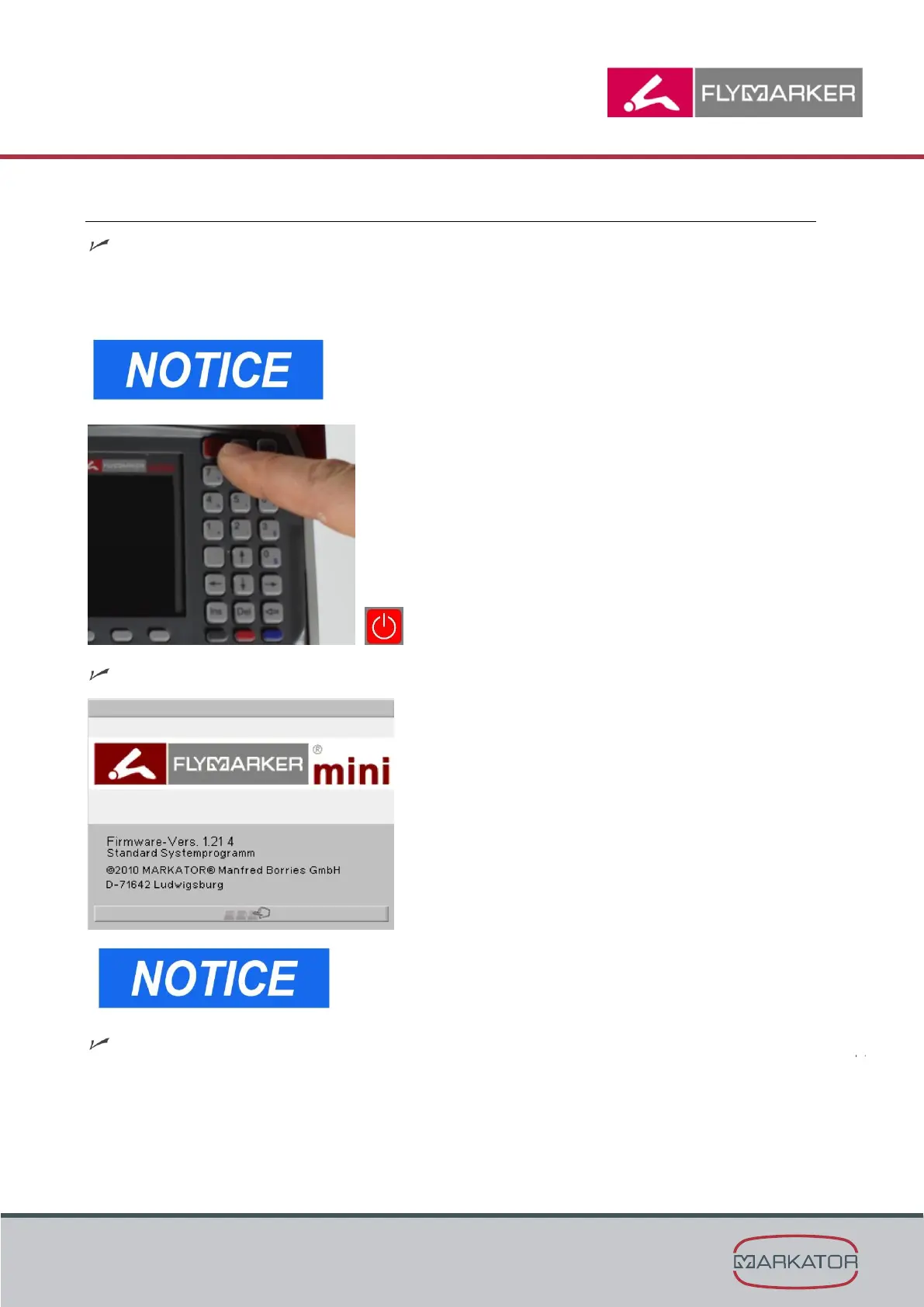
1. Turn FlyMarker
mini on with the ON/OFF button.
When it is turned on, FlyMarker
®
mini performs a light,
harmless stroke and therefore should not be placed on a
workpiece when being turned on.
The start window appears.
The start window shows the current firmware version.
Controller performs a self-test.



 To Next Page