FlyMarker
®
mini 85/45 plus and 120/45 plus
Operating Manual
2. Press the spacebar.
FlyMarker
mini can’t be operated if the battery is drained.
(→Chapter „Battery charging status, page 43)
(→Chapter “Changing/charging the battery”, page 44)
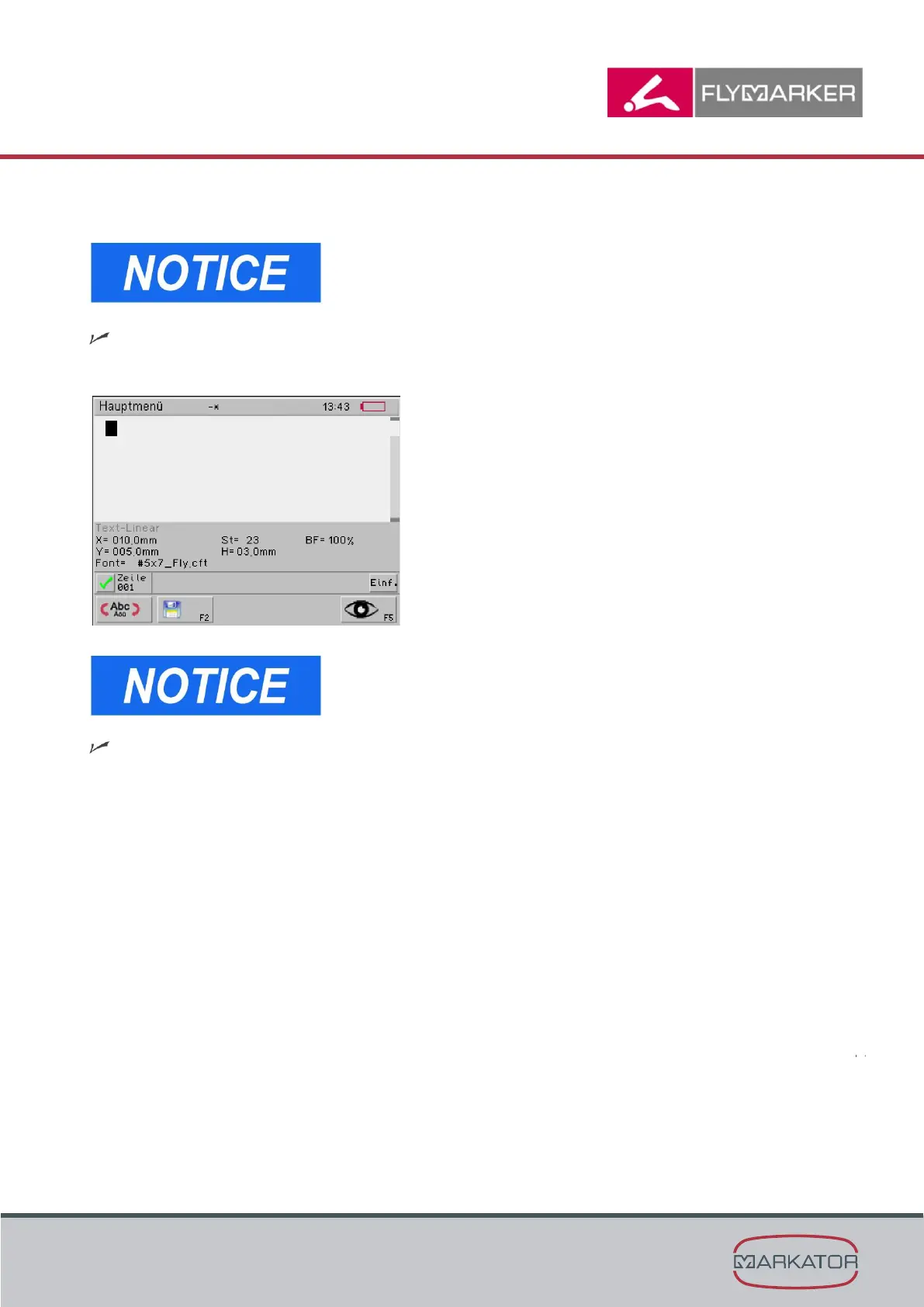
After a short time, the main menu window appears.
FlyMarker
®
mini is in operator mode.
This situation is required for working with FlyMarker
mini
and for all control functions.
The FlyMarker
mini is now ready to use.



 To Next Page