FlyMarker
®
mini 85/45 plus and 120/45 plus
Operating Manual
3.6.3 Adjust the marking pin distance (optional positioning plate)
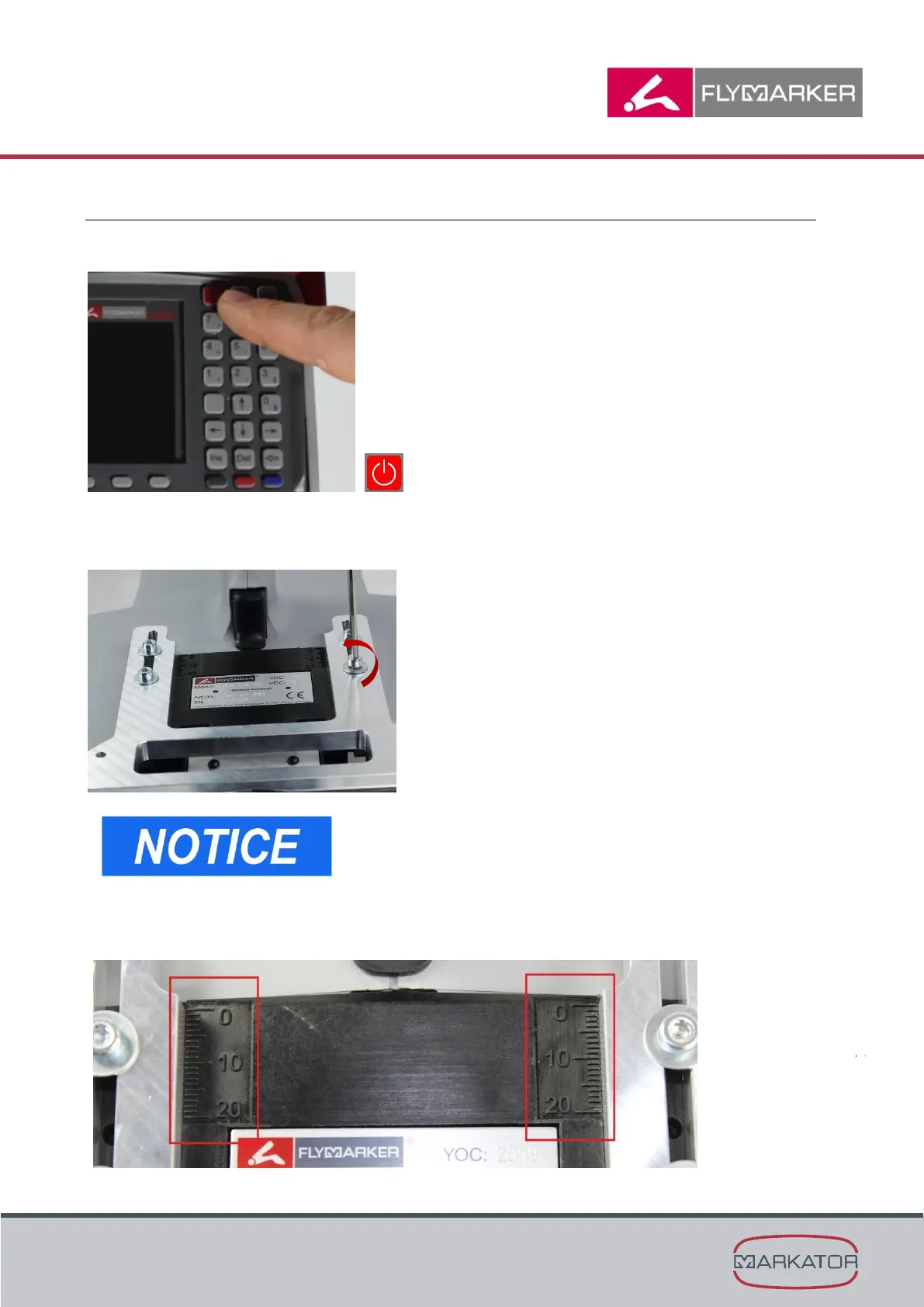
1. Turn the FlyMarker
®
mini off using the On/Off-button.
2. Unscrew the 4 screws on the positioning plate
(An allen wrench SW 3mm is necessary)
If the screws will be changed,
use a maximum size of M4x18!
3. Adjust the necessary distance of the positioning plate.
The positioning plate optionally can be removed.



 To Next Page