FlyMarker
®
mini 85/45 plus and 120/45 plus
Operating Manual
5.8.1 Status reports
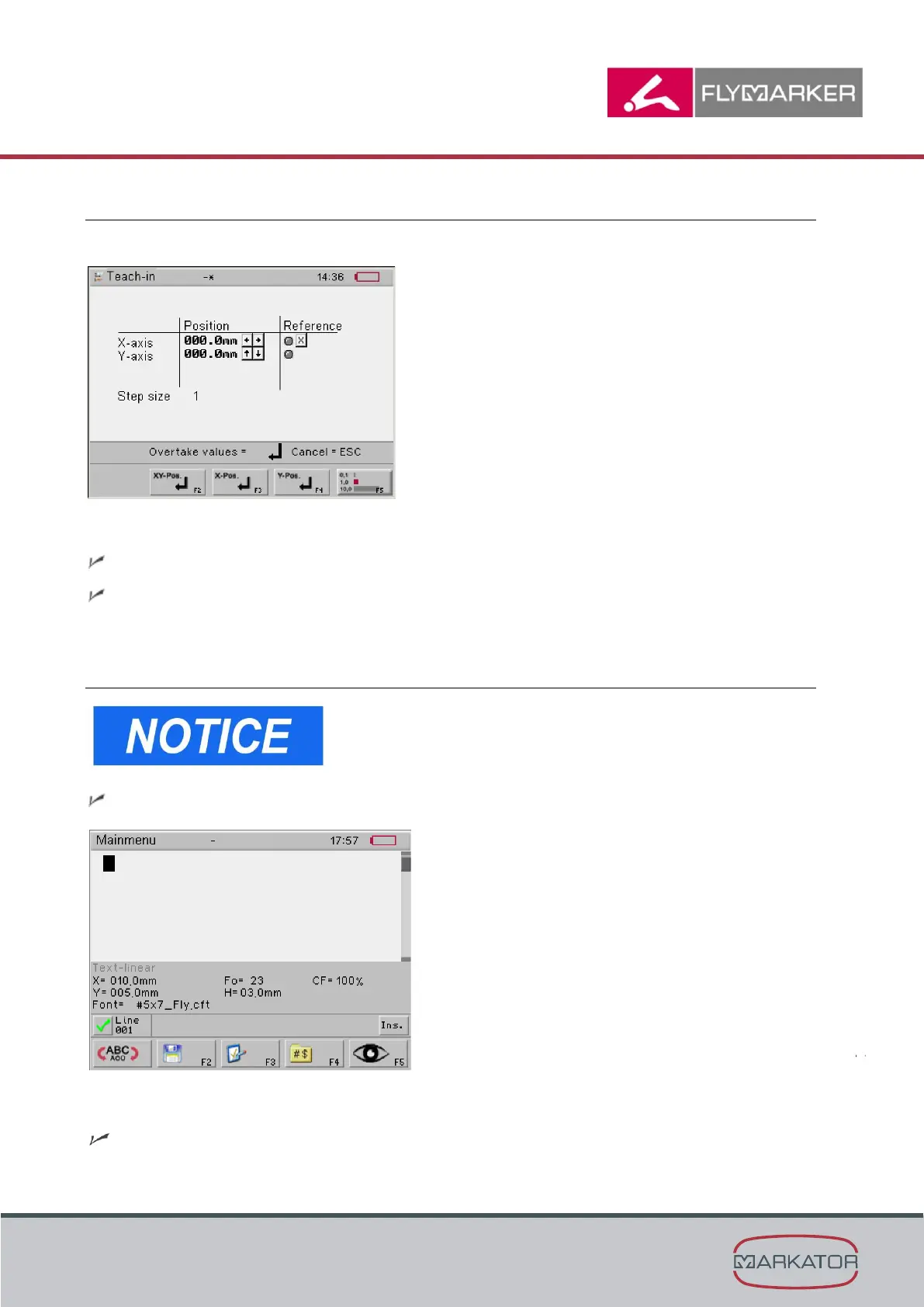
The following status reports appear in the Teach-in window:
X/0 reference
The marking head is in the X=0 reference position.
The X/0 reference character is gray.
5.9 Specifying system settings
This function is only possible after entering the user or
administrative password.
(→ Chapter “Entering passwords”, page 21).
The main menu appears.
1. Press the change level key.
The second level of the main menu appears.



 To Next Page