FlyMarker
®
mini 85/45 plus and 120/45 plus
Operating Manual
8.12 Port data
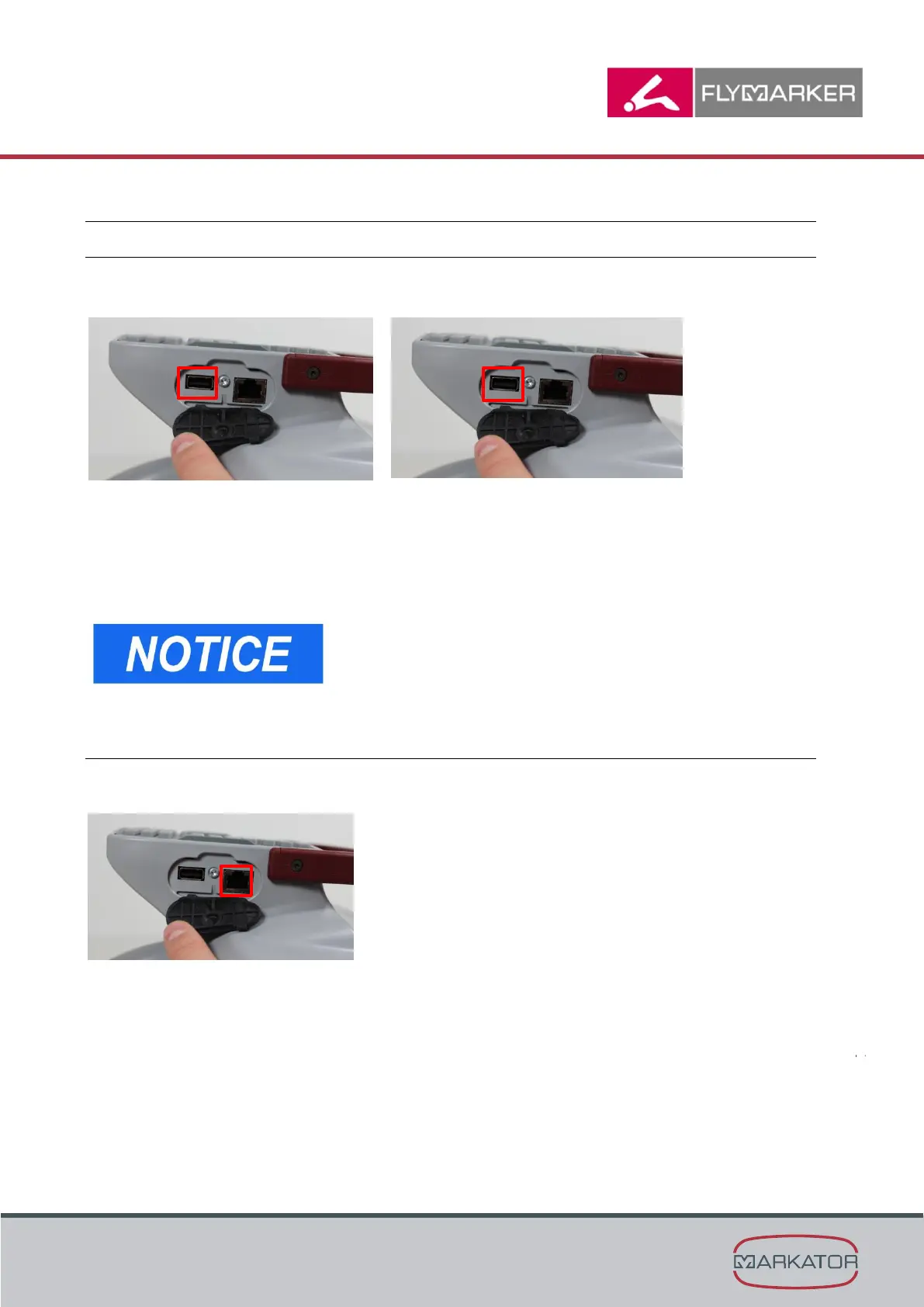
8.12.1 USB A (host)
Various USB devices can be connected through the FlyMarker
®
mini’s USB A port:
- FAT32 formated USB sticks can be inserted and operated.
→ Load marking files / logos / fonts
→ Copy marking files / logos / fonts (USB stick ↔ FlyMarker
®
mini 120/45)
- USB keyboard can be inserted and operated.
- USB barcode scanner can be inserted and operated.
An inserted barcode scanner behaves like an inserted
USB keyboard.
Do not charge cell phones or other electronic devices via
USB interfaces!
8.12.2 USB B (device)
The FlyMarker
®
mini’s USB B port is the port for PC communication.
The computer software Fly XL CONTROL communicates through the FlyMarker
®
mini’s
USB B port. Functions:
- Operating PC software
- Copying and deleting files / logos / fonts
- Reading and writing variables



 To Next Page