FlyMarker
®
mini 85/45 plus and 120/45 plus
Operating Manual
5.3 Displaying system information
This function is only possible after entering the
administrative password.
(→ Chapter “Entering passwords”, page 21).
The main menu appears.
1. Press the change level key.
The second level of the main menu appears.
2. Press F8.
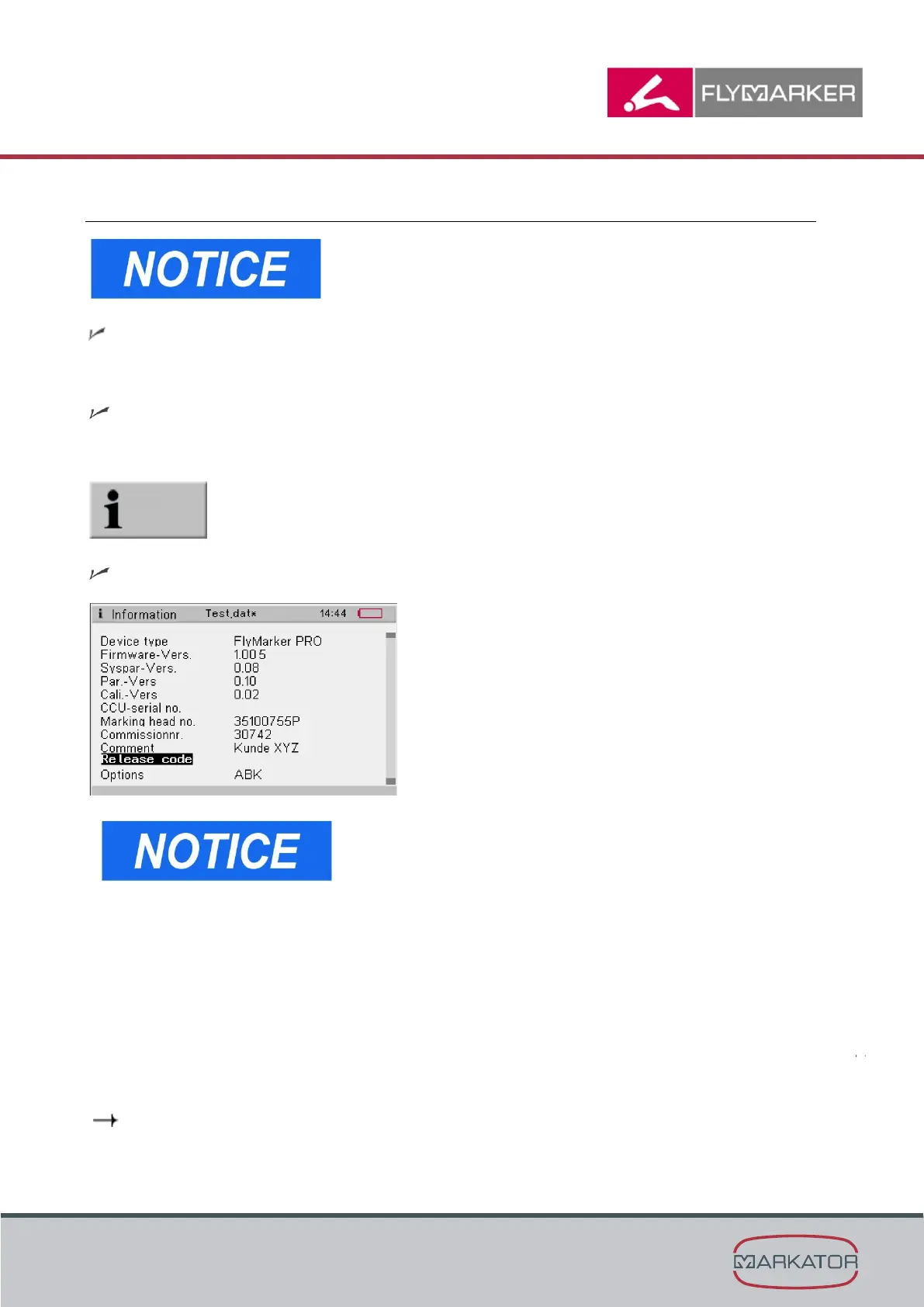
The Information window appears.
- The Information window contains current data on the
system that are important for ordering replacement
parts and for customer service.
- Additionally, a MARKATOR
®
activation code can be
entered into the Information window to activate
options acquired later.
Program options available:
- Program option B: KOMFORT
- Program option F: DMC
- Program option K: HPGL
- Fly XL CONTROL computer software
- Program option T: SKRIPT CSV
- Program option T: SKRIPT writeLOG
( Chapter “Technical data”, page 141)



 To Next Page