FlyMarker
®
mini 85/45 plus and 120/45 plus
Operating Manual
5.6 Marking
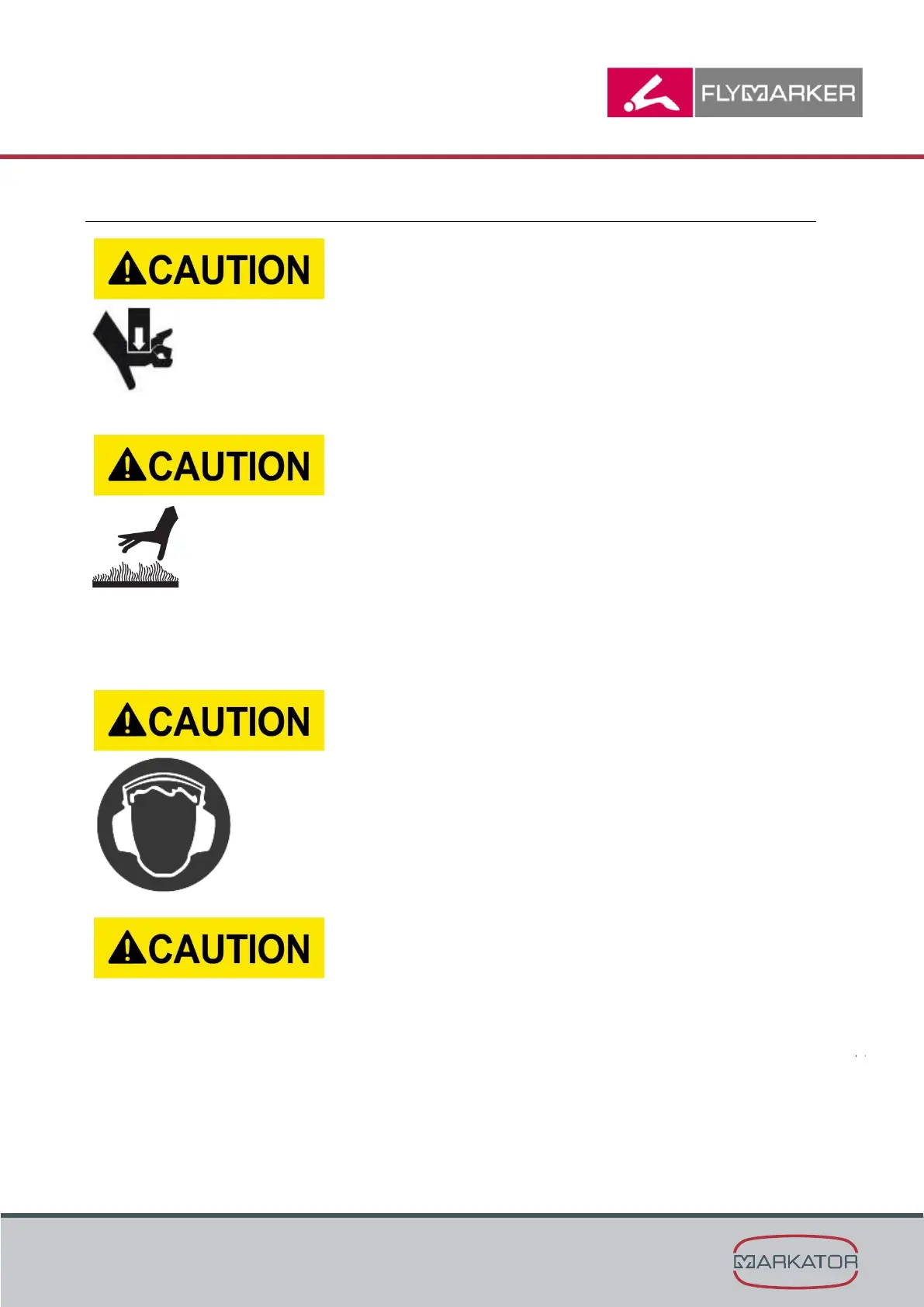
Crushing hazard!
- Never reach under the marking head during the
marking process!
- Never reach into the marking head’s working area
during the marking process!
Body parts may be caught and crushed by the
movement of the marking pin.
Hot impact magnets and surrounding components
are a burn hazard.
- Before touching (e.g. when marking, changing
marking pins or performing maintenance), all parts
of the marking head must be cooled to a safe
temperature (measure the temperature, if
necessary)!
- Dangerously hot parts must be touched only with
heat-protective gloves or heat-protective clothing!
Limbs may be burned by hot components!
Noise injury hazard!
- Depending on the workpiece to be marked, noise
may be produced. If the noise is too loud according
to current legal regulations, hearing protection must
be worn (measure the noise, if necessary)!
- The operator is responsible for providing hearing
protection.
Failure to wear such protection can cause hearing
damage.
- Strong marking force must always be used when the
marking pin strikes the workpiece. Always avoid “air
marking”. Otherwise, the magnet may be damaged.
- It is normal for the marking pin to be offset when at
rest, because the stepper motor is off in order to save
energy. For this reason, a reference run should be
made before each marking.
- During the marking process always hold the
FlyMarker® mini firmly with both hands.



 To Next Page