EasyManua.ls Logo

Markator FlyMarker mini 85/45 plus - Adjustment of the Marking Pin Distance of the Extended Marking Pin (Optional)

Markator FlyMarker mini 85/45 plus
162 pages
Print Icon
To Next Page IconTo Next Page
To Previous Page IconTo Previous Page
Loading...
FlyMarker
®
mini 85/45 plus and 120/45 plus
Operating Manual
18
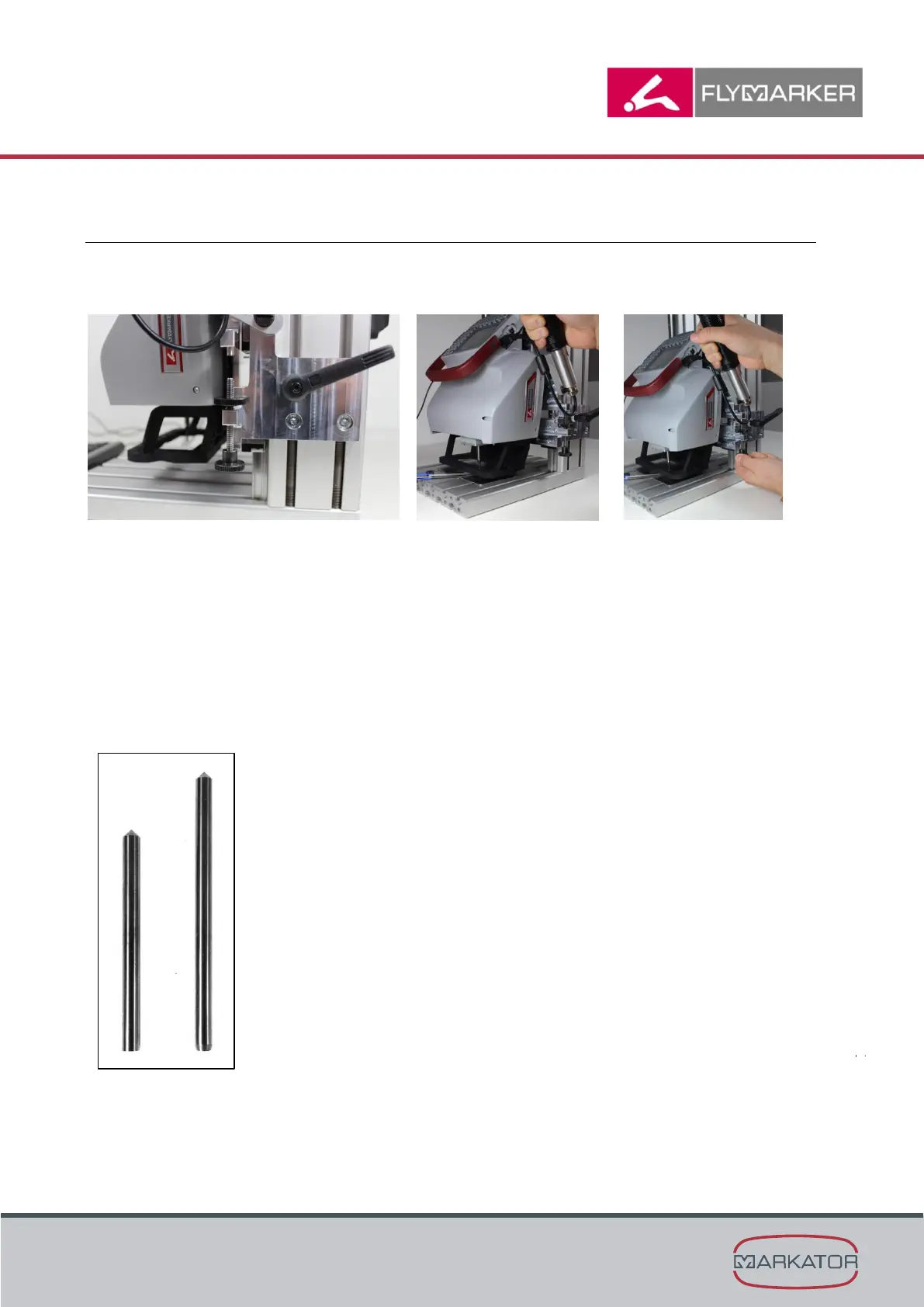
3.4 Adjustment of the marking pin distance of the extended marking pin
(optional)
1. Adjust the marking pin distance towards the work piece
(while pulling down the release handle)
1. Loosen the knurled nut
2. Screw the adjustment screw downwards
3. Pull the release
handle downwards
and hold the feeler
gauge between
marking pin and work
piece at the same
time
4. Screw the adjustment
screw upwards against
the mechanical limit
stop (while pulling
down the release
handle)
5. Fix the adjustment
screw and the knurled
nut.
Difference between standard marking pin and extended marking pin
(+10mm)

Table of Contents

Related product manuals