FlyMarker
®
mini 85/45 plus and 120/45 plus
Operating Manual
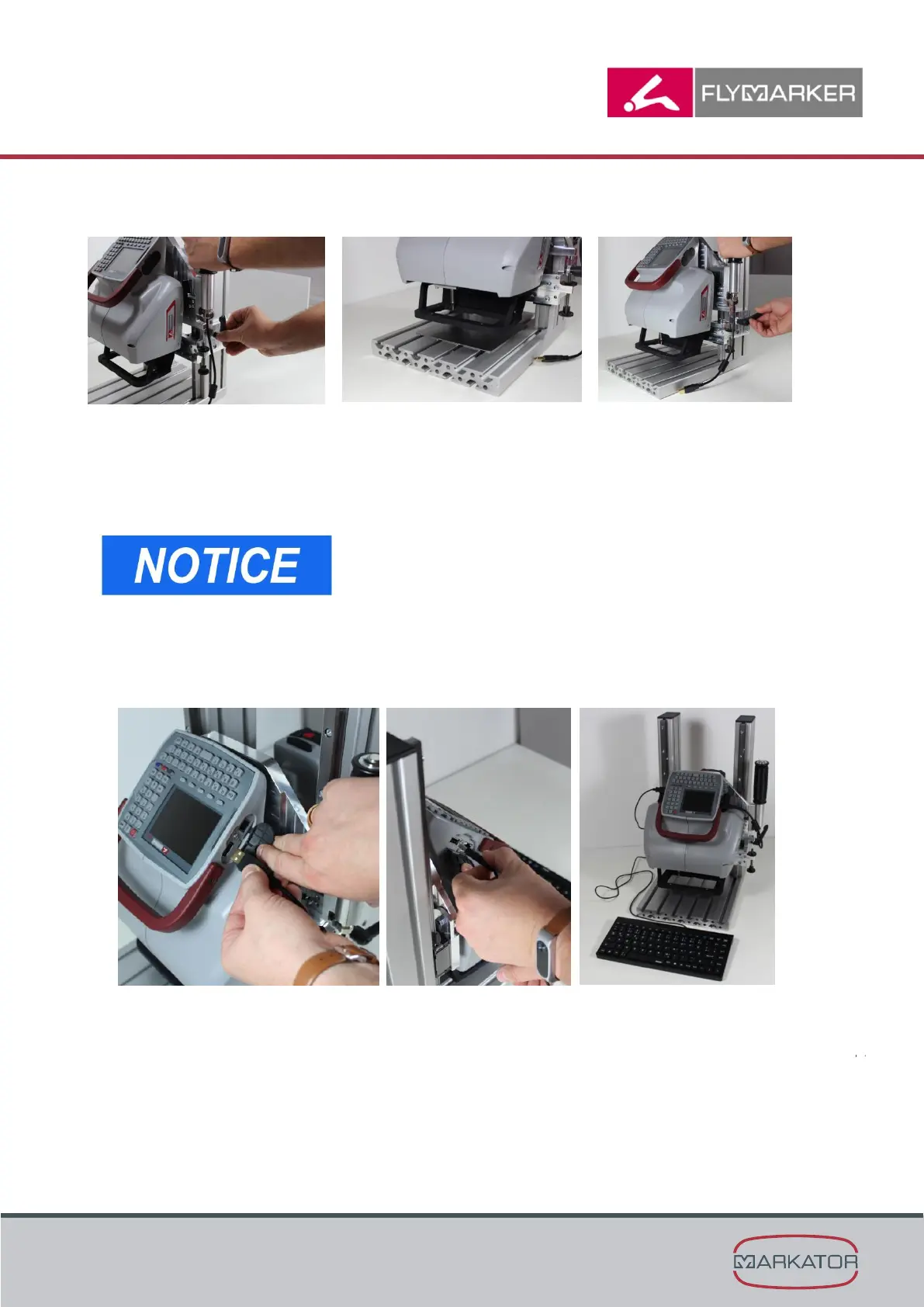
3. Adjust the height of the mechanical support.
1. Loosen the clamping lever
2. Adjust the mechanical
support
3. Fix the clamping lever
Note:
The distance should be
approx. 20 mm without pulling
down the release handle
Hold the mechanical support while loosen the clamping
lever.
The positioning plate of the FlyMarker
mini 120/45 cannot
be dismounted.
4. Press the blue short-key for 5 seconds to rotate the display 180°.
5. Open the cover of the interfaces and plug in the keyboard into the USB interface.



 To Next Page