FlyMarker
®
mini 85/45 plus and 120/45 plus
Operating Manual
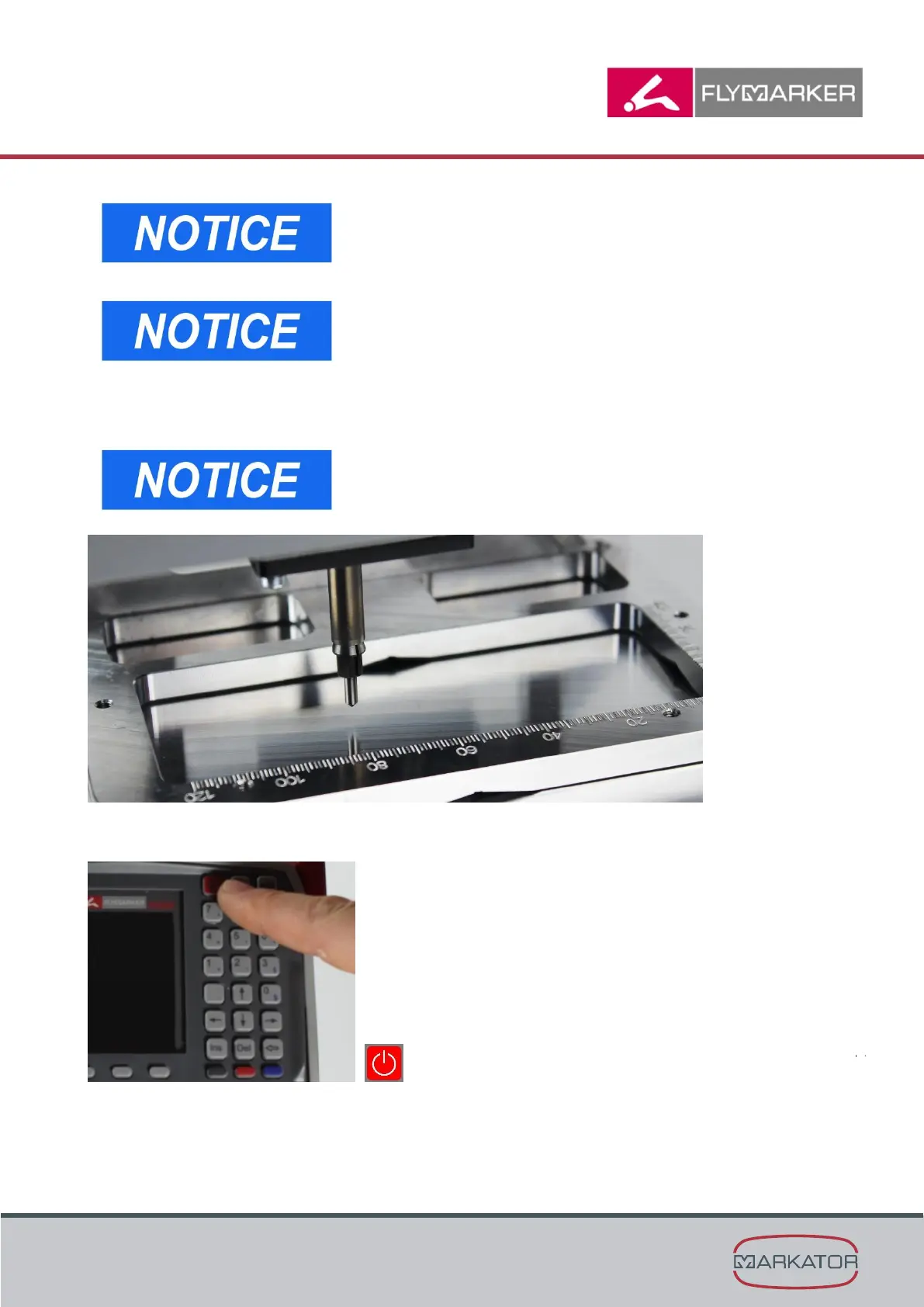
The scale on the base plate can be used to adjust the
distance of the marking pin!
The scale value 0mm corresponds with the marking pin
distance of 3,5 mm.
Please contact MARKATOR if you would like to produce
your own positioning plate.
4. Tighten the 4 screws on the positioning plate
(An allen wrench SW 3mm is necessary)
Check the marking pin distance to the material.
The standard distance is 3,5mm.
5. Turn the FlyMarker
®
mini on using the On/Off-button.



 To Next Page