FlyMarker
®
mini 85/45 plus and 120/45 plus
Operating Manual
3. Press F3.
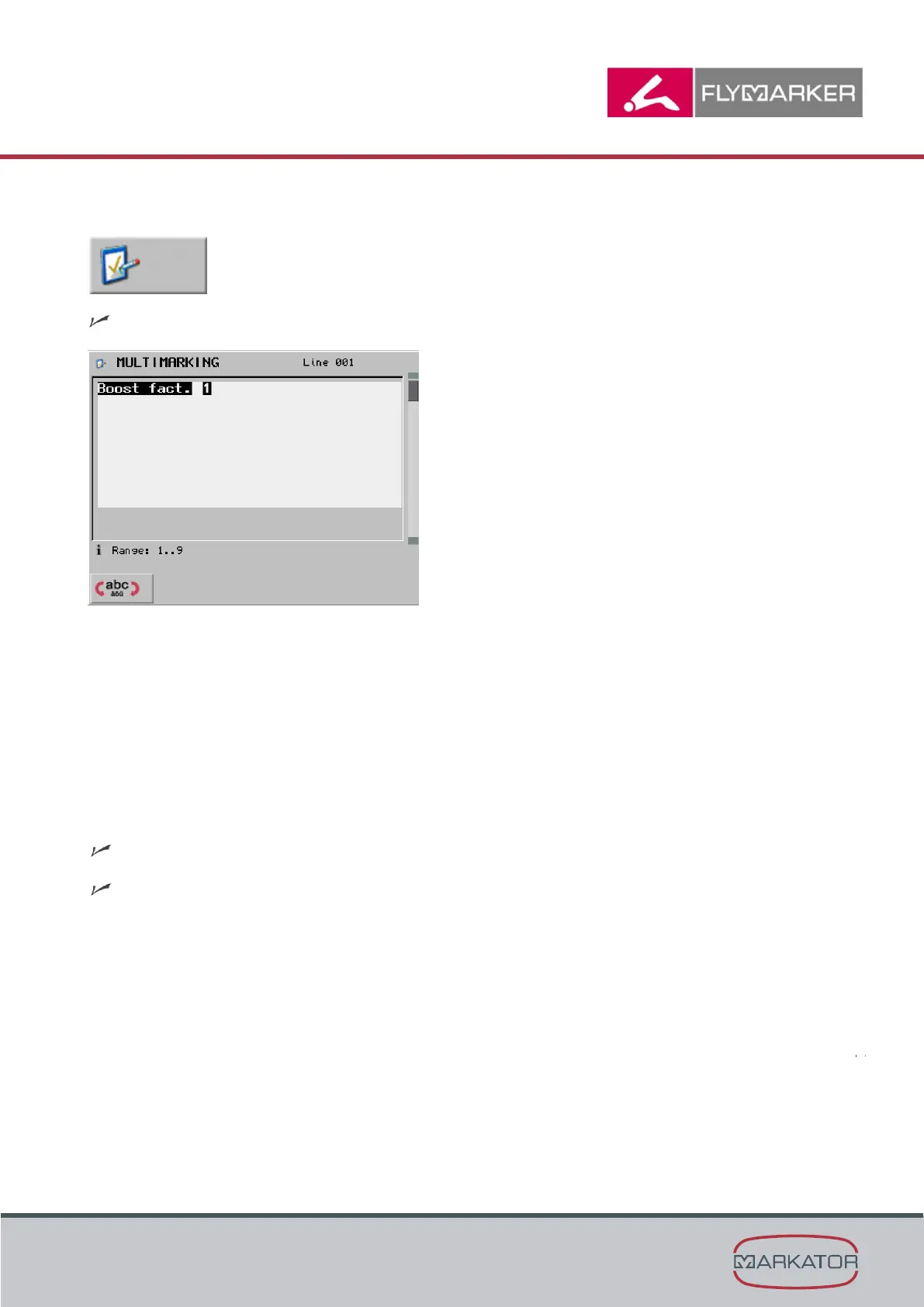
The Multi-marking window appears.
The thickness factor indicates how often a marking point is struck. Multi-marking makes marking
more intensive. The marking time significantly increases.
Thickness factor 1 = One marking strike per point
Thickness factor 2 = Two marking strikes per point
4. Press Enter.
5. Press the ESC key.
The main menu appears.
The Multi-marking substitute has been inserted.



 To Next Page